McDewey
/mcpPage 116
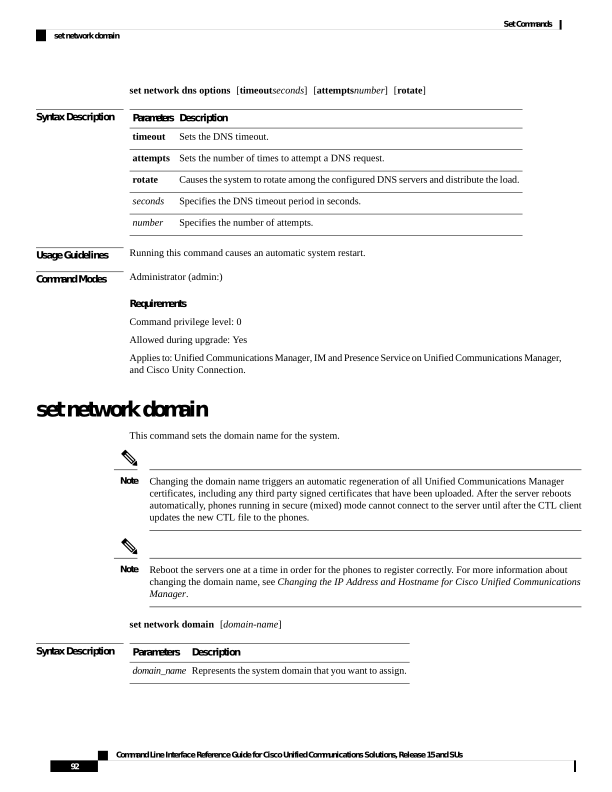
↗ View in doc contextset network dns options [timeoutseconds] [attemptsnumber] [rotate] Syntax Description Description Parameters Sets the DNS timeout. timeout Sets the number of times to attempt a DNS request. attempts Causes the system to rotate among the configured DNS servers and distribute the load. rotate Specifies the DNS timeout period in seconds. seconds Specifies the number of attempts. number Usage Guidelines Running this command causes an automatic system restart. Command Modes Administrator (admin:) Requirements Command privilege level: 0 Allowed during upgrade: Yes Applies to: Unified Communications Manager, IM and Presence Service on Unified Communications Manager, and Cisco Unity Connection. set network domain This command sets the domain name for the system. Changing the domain name triggers an automatic regeneration of all Unified Communications Manager certificates, including any third party signed certificates that have been uploaded. After the server reboots automatically, phones running in secure (mixed) mode cannot connect to the server until after the CTL client updates the new CTL file to the phones. Note Reboot the servers one at a time in order for the phones to register correctly. For more information about changing the domain name, see Changing the IP Address and Hostname for Cisco Unified Communications Manager. Note set network domain [domain-name] Syntax Description Description Parameters Represents the system domain that you want to assign. domain_name Command Line Interface Reference Guide for Cisco Unified Communications Solutions, Release 15 and SUs 92 Set Commands set network domain