McDewey
/mcpPage 2
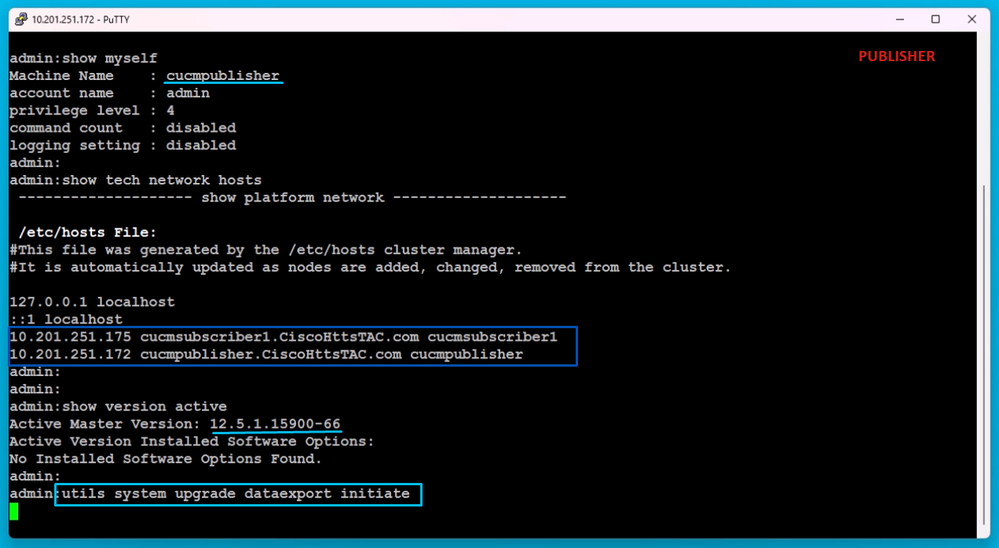
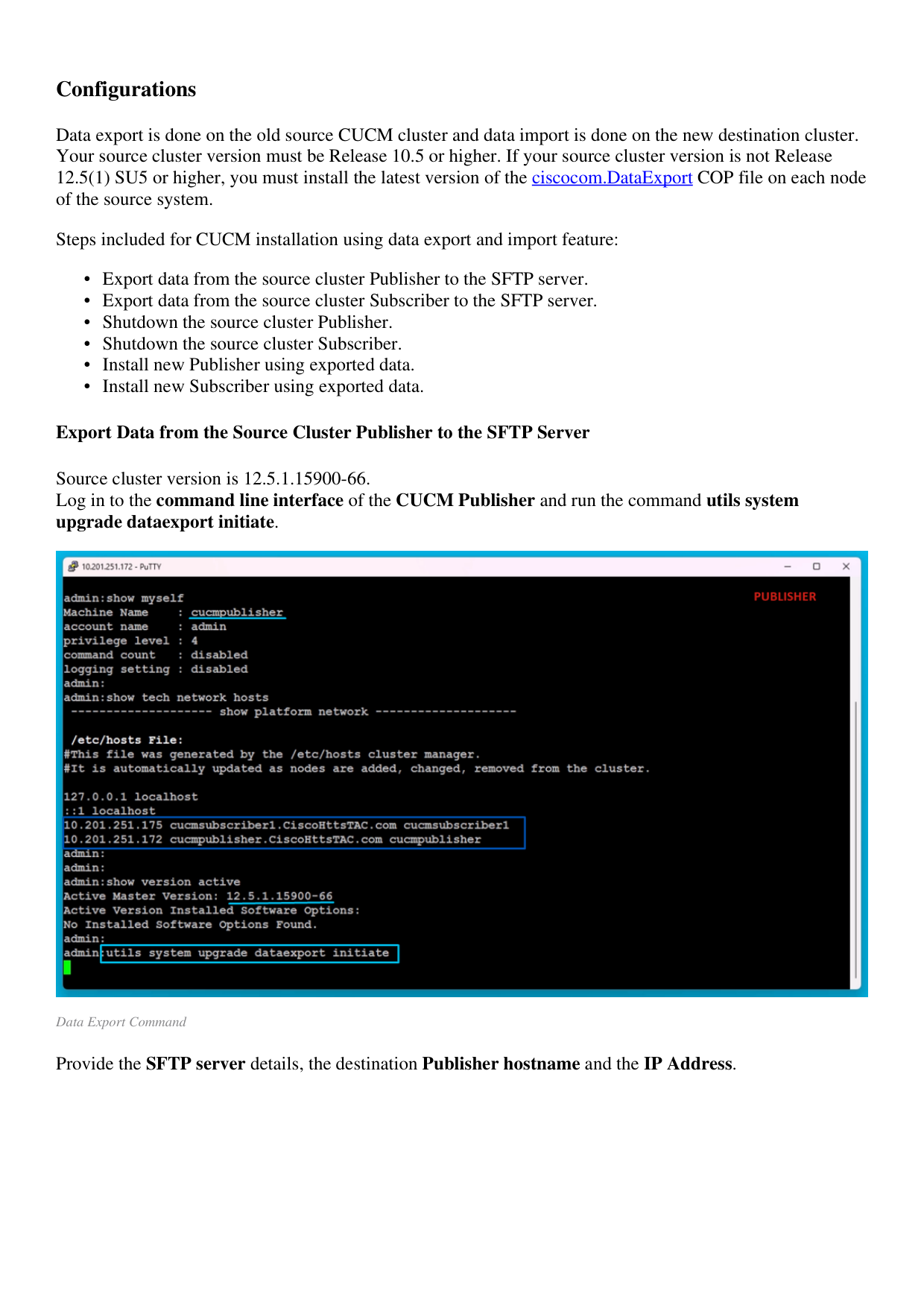
↗ View in doc contextConfigurations Data export is done on the old source CUCM cluster and data import is done on the new destination cluster. Your source cluster version must be Release 10.5 or higher. If your source cluster version is not Release 12.5(1) SU5 or higher, you must install the latest version of the ciscocom.DataExport COP file on each node of the source system. Steps included for CUCM installation using data export and import feature: Export data from the source cluster Publisher to the SFTP server. • Export data from the source cluster Subscriber to the SFTP server. • Shutdown the source cluster Publisher. • Shutdown the source cluster Subscriber. • Install new Publisher using exported data. • Install new Subscriber using exported data. • Export Data from the Source Cluster Publisher to the SFTP Server Source cluster version is 12.5.1.15900-66. Log in to the command line interface of the CUCM Publisher and run the command utils system upgrade dataexport initiate. Data Export Command Provide the SFTP server details, the destination Publisher hostname and the IP Address.