McDewey
Multi-vendor documentation library · semantic search · MCP endpoint at
/mcpPage 21
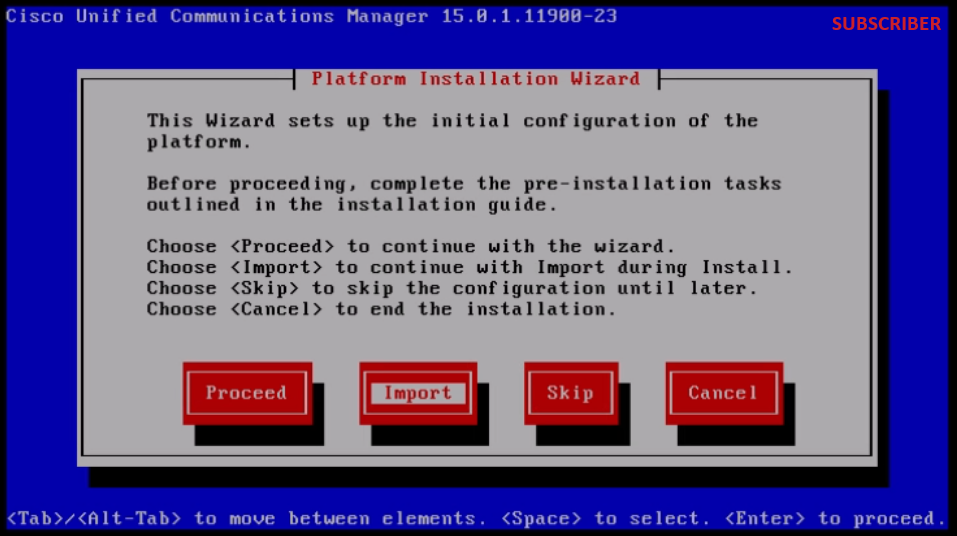
↗ View in doc contextPlatform Installation Wizard After reading the displayed information, click OK button in the Import Upgrade Configuration information. Choose appropriate timezone and then click OK button. Click Continue button in the Auto Negotiation Configuration. Click No button to have the default value in MTU Configuration. Press No button under the DHCP Configuration. Provide the Host Name, IP Address, IP Mask and Gateway (GW) Address for the Subscriber server and then press OK button.