McDewey
Multi-vendor documentation library · semantic search · MCP endpoint at
/mcpPage 17
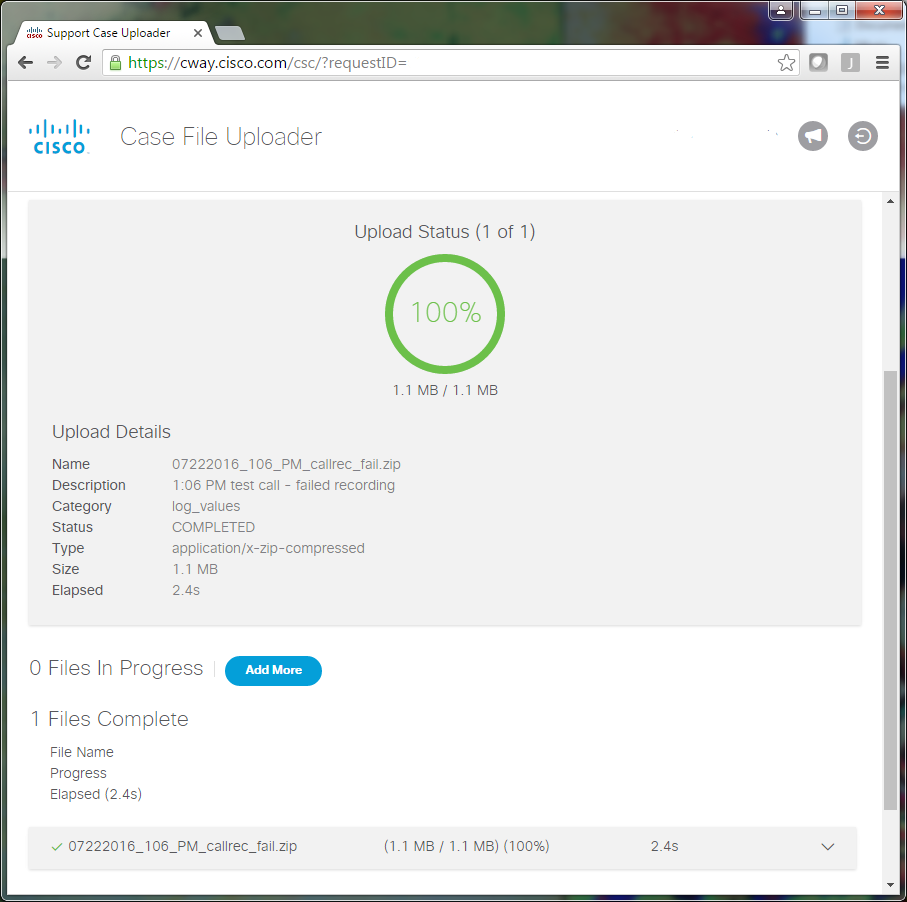
↗ View in doc contextEnter your service request number. 3. Add your .zip file. 4. Add a file description for your TAC engineer. This is a good opportunity to communicate your issue reproduction notes. 5. Click Upload. The Case File Uploader tool displays the upload status. Wait for the upload to complete. 6. Close the browser window. 7. Ensure that you have communicated to your TAC engineer all of your issue reproduction notes whether this was through the upload tool, via email, or verbally. This allows them to start to analyze the data for you. 8.