McDewey
/mcpPage 5
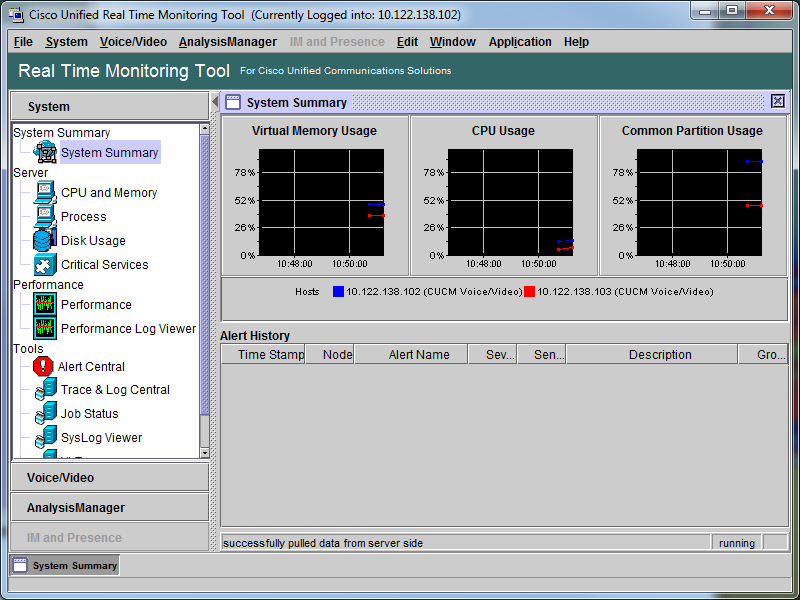
↗ View in doc contextYou have now verified that RTMT is installed, and that you are able to log on to your CUCM cluster with the tool. Configure or Confirm Detailed Tracing for the CallManager Service In CUCM 9.X and later, detailed tracing is enabled by default for the CallManager service. Before you proceed, confirm that detailed tracing is still configured. If not, configure it. Log on to the Cisco Unified Serviceability page. 1. Choose Trace > Configuration. 2. From the Server drop-down list, choose the CUCM Publisher and click Go. 3. From the Service Group drop-down list, choose CM Services and click Go. 4. From the Service drop-down list, choose Cisco CallManager and click Go. 5. The system is configured for the default detailed tracing, as shown in this image: 6.