McDewey
/mcpPage 4
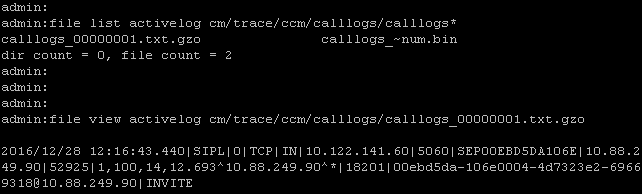
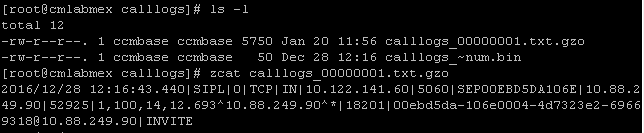
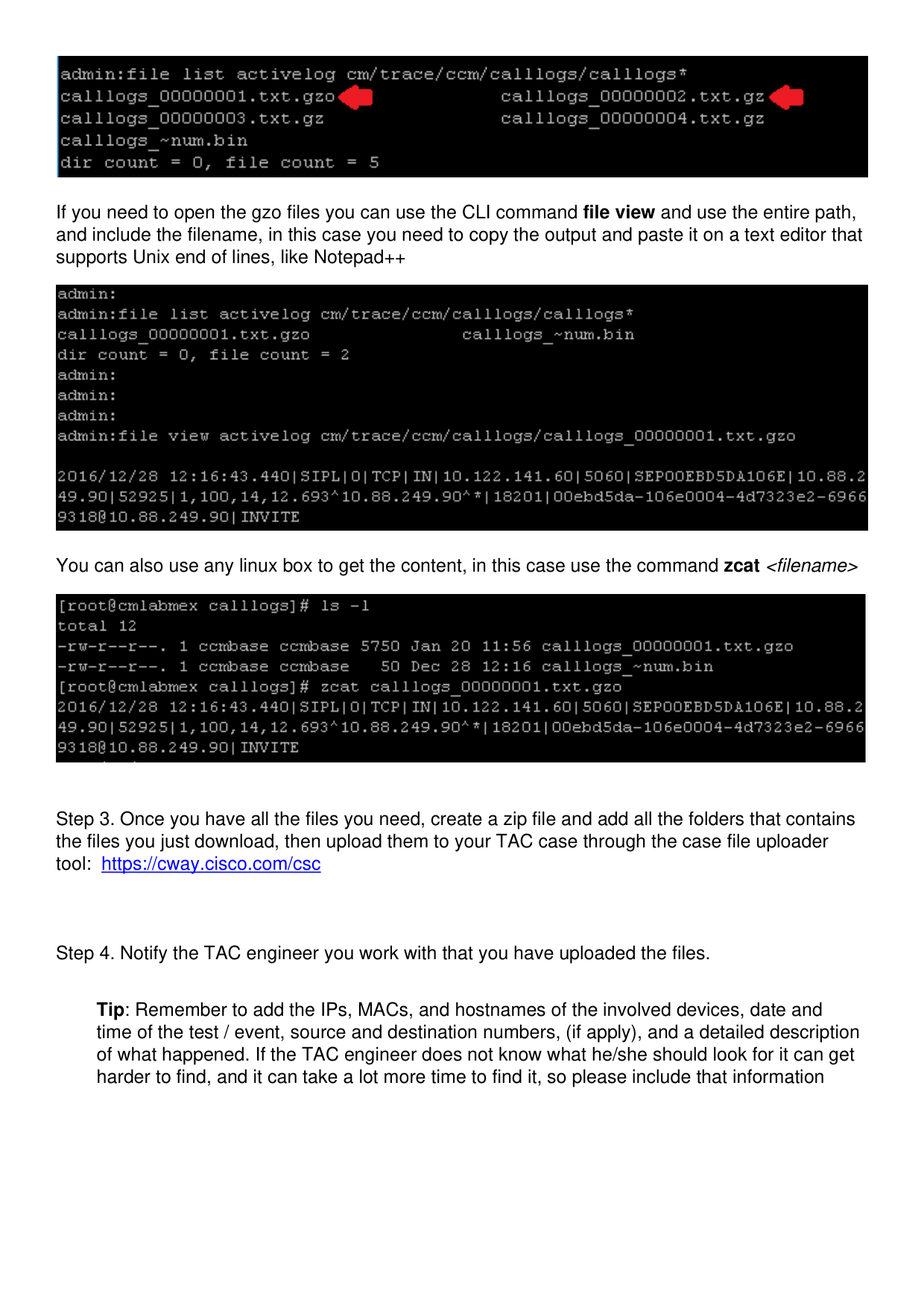
↗ View in doc contextIf you need to open the gzo files you can use the CLI command file view and use the entire path, and include the filename, in this case you need to copy the output and paste it on a text editor that supports Unix end of lines, like Notepad++ You can also use any linux box to get the content, in this case use the command zcat <filename> Step 3. Once you have all the files you need, create a zip file and add all the folders that contains the files you just download, then upload them to your TAC case through the case file uploader tool: https://cway.cisco.com/csc Step 4. Notify the TAC engineer you work with that you have uploaded the files. Tip: Remember to add the IPs, MACs, and hostnames of the involved devices, date and time of the test / event, source and destination numbers, (if apply), and a detailed description of what happened. If the TAC engineer does not know what he/she should look for it can get harder to find, and it can take a lot more time to find it, so please include that information