McDewey
/mcpPage 50
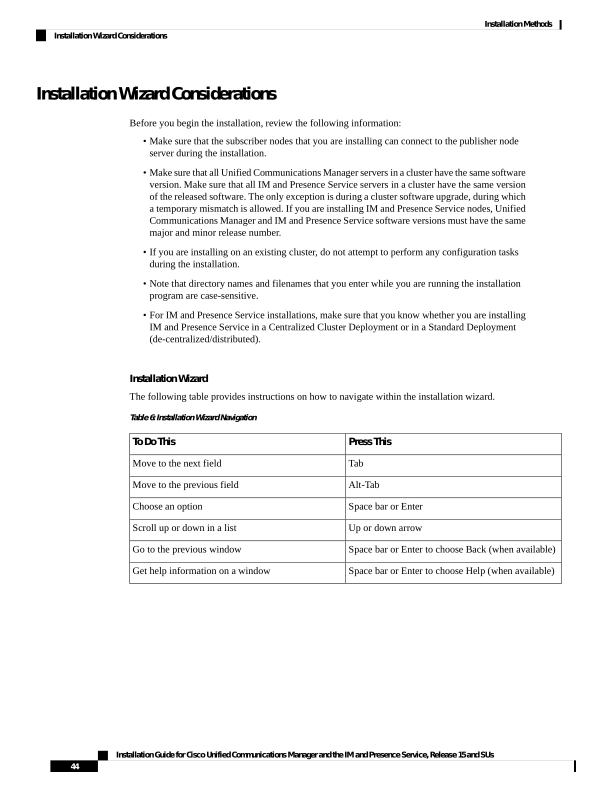
↗ View in doc contextInstallation Wizard Considerations Before you begin the installation, review the following information: • Make sure that the subscriber nodes that you are installing can connect to the publisher node server during the installation. • Make sure that all Unified Communications Manager servers in a cluster have the same software version. Make sure that all IM and Presence Service servers in a cluster have the same version of the released software. The only exception is during a cluster software upgrade, during which a temporary mismatch is allowed. If you are installing IM and Presence Service nodes, Unified Communications Manager and IM and Presence Service software versions must have the same major and minor release number. • If you are installing on an existing cluster, do not attempt to perform any configuration tasks during the installation. • Note that directory names and filenames that you enter while you are running the installation program are case-sensitive. • For IM and Presence Service installations, make sure that you know whether you are installing IM and Presence Service in a Centralized Cluster Deployment or in a Standard Deployment (de-centralized/distributed). Installation Wizard The following table provides instructions on how to navigate within the installation wizard. Table 6: Installation Wizard Navigation Press This To Do This Tab Move to the next field Alt-Tab Move to the previous field Space bar or Enter Choose an option Up or down arrow Scroll up or down in a list Space bar or Enter to choose Back (when available) Go to the previous window Space bar or Enter to choose Help (when available) Get help information on a window Installation Guide for Cisco Unified Communications Manager and the IM and Presence Service, Release 15 and SUs 44 Installation Methods Installation Wizard Considerations