McDewey
/mcpPage 1466
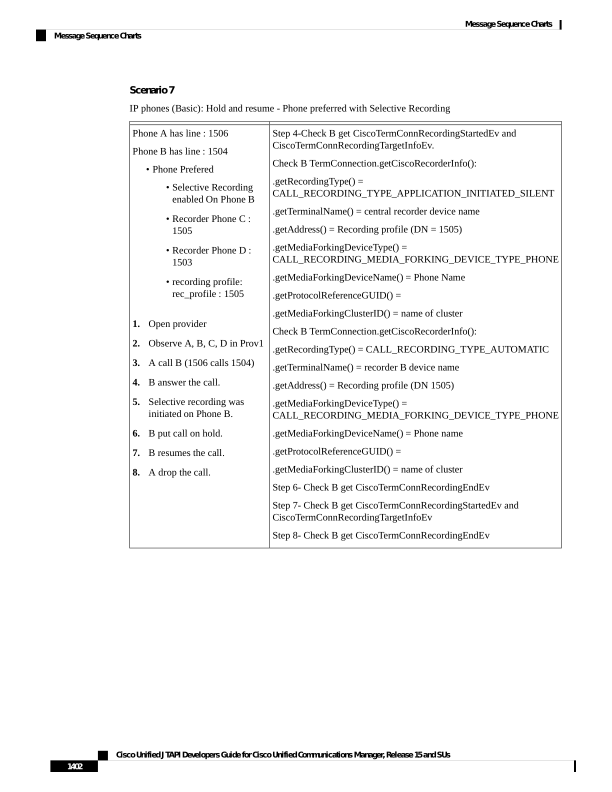
↗ View in doc contextScenario 7 IP phones (Basic): Hold and resume - Phone preferred with Selective Recording Step 4-Check B get CiscoTermConnRecordingStartedEv and CiscoTermConnRecordingTargetInfoEv. Check B TermConnection.getCiscoRecorderInfo(): .getRecordingType() = CALL_RECORDING_TYPE_APPLICATION_INITIATED_SILENT .getTerminalName() = central recorder device name .getAddress() = Recording profile (DN = 1505) .getMediaForkingDeviceType() = CALL_RECORDING_MEDIA_FORKING_DEVICE_TYPE_PHONE .getMediaForkingDeviceName() = Phone Name .getProtocolReferenceGUID() = .getMediaForkingClusterID() = name of cluster Check B TermConnection.getCiscoRecorderInfo(): .getRecordingType() = CALL_RECORDING_TYPE_AUTOMATIC .getTerminalName() = recorder B device name .getAddress() = Recording profile (DN 1505) .getMediaForkingDeviceType() = CALL_RECORDING_MEDIA_FORKING_DEVICE_TYPE_PHONE .getMediaForkingDeviceName() = Phone name .getProtocolReferenceGUID() = .getMediaForkingClusterID() = name of cluster Step 6- Check B get CiscoTermConnRecordingEndEv Step 7- Check B get CiscoTermConnRecordingStartedEv and CiscoTermConnRecordingTargetInfoEv Step 8- Check B get CiscoTermConnRecordingEndEv Phone A has line : 1506 Phone B has line : 1504 • Phone Prefered • Selective Recording enabled On Phone B • Recorder Phone C : 1505 • Recorder Phone D : 1503 • recording profile: rec_profile : 1505 1. Open provider 2. Observe A, B, C, D in Prov1 3. A call B (1506 calls 1504) 4. B answer the call. 5. Selective recording was initiated on Phone B. 6. B put call on hold. 7. B resumes the call. 8. A drop the call. Cisco Unified JTAPI Developers Guide for Cisco Unified Communications Manager, Release 15 and SUs 1402 Message Sequence Charts Message Sequence Charts