McDewey
/mcpPage 301
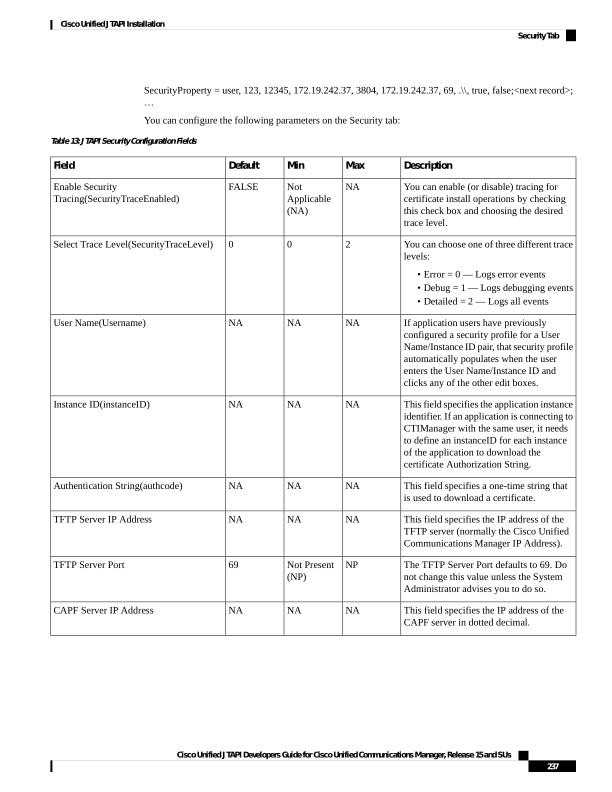
↗ View in doc contextSecurityProperty = user, 123, 12345, 172.19.242.37, 3804, 172.19.242.37, 69, .\, true, false;<next record>; … You can configure the following parameters on the Security tab: Table 13: JTAPI Security Configuration Fields Description Max Min Default Field You can enable (or disable) tracing for certificate install operations by checking this check box and choosing the desired trace level. NA Not Applicable (NA) FALSE Enable Security Tracing(SecurityTraceEnabled) You can choose one of three different trace levels: • Error = 0 — Logs error events • Debug = 1 — Logs debugging events • Detailed = 2 — Logs all events 2 0 0 Select Trace Level(SecurityTraceLevel) If application users have previously configured a security profile for a User Name/Instance ID pair, that security profile automatically populates when the user enters the User Name/Instance ID and clicks any of the other edit boxes. NA NA NA User Name(Username) This field specifies the application instance identifier. If an application is connecting to CTIManager with the same user, it needs to define an instanceID for each instance of the application to download the certificate Authorization String. NA NA NA Instance ID(instanceID) This field specifies a one-time string that is used to download a certificate. NA NA NA Authentication String(authcode) This field specifies the IP address of the TFTP server (normally the Cisco Unified Communications Manager IP Address). NA NA NA TFTP Server IP Address The TFTP Server Port defaults to 69. Do not change this value unless the System Administrator advises you to do so. NP Not Present (NP) 69 TFTP Server Port This field specifies the IP address of the CAPF server in dotted decimal. NA NA NA CAPF Server IP Address Cisco Unified JTAPI Developers Guide for Cisco Unified Communications Manager, Release 15 and SUs 237 Cisco Unified JTAPI Installation Security Tab