McDewey
/mcpPage 13
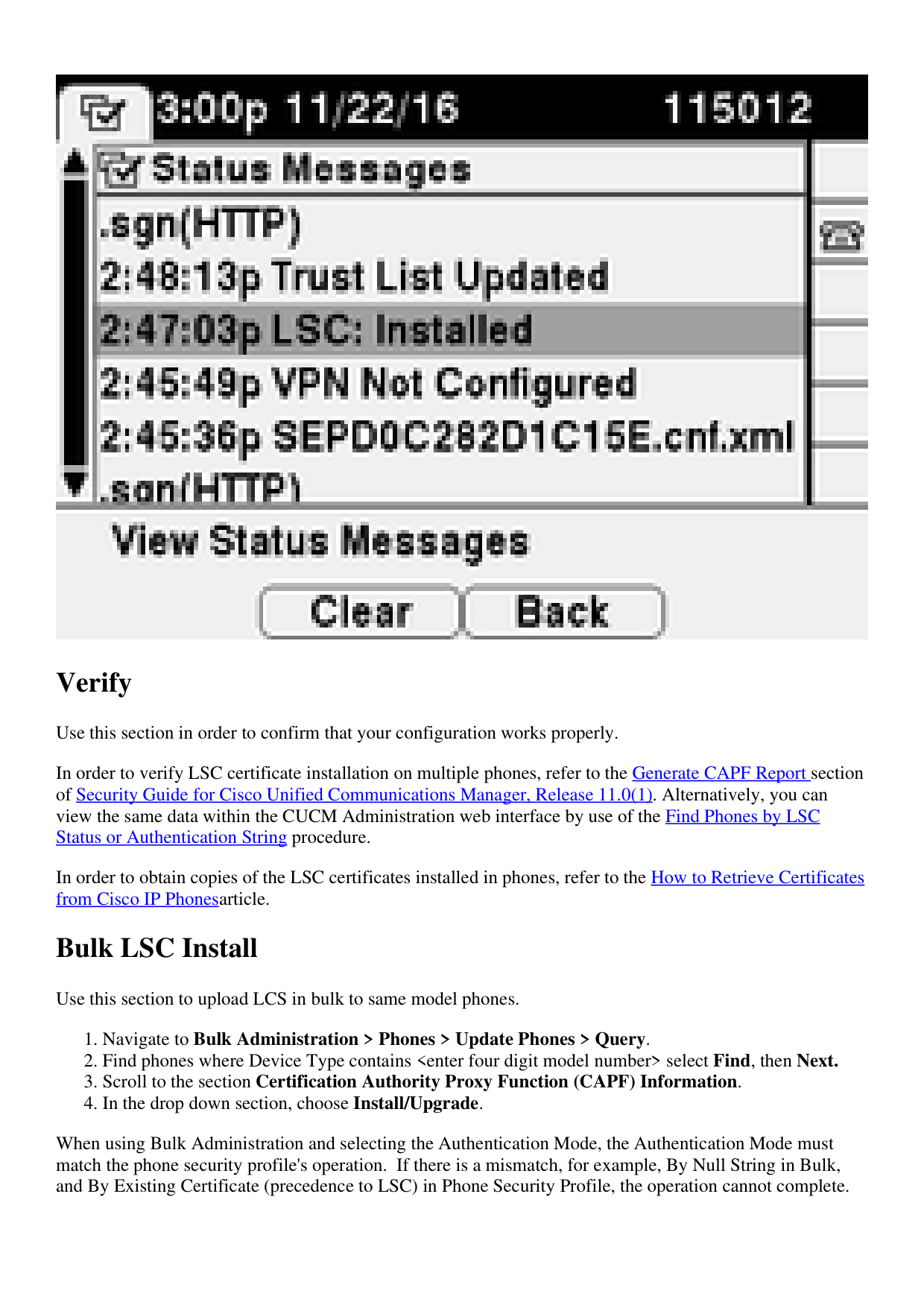
↗ View in doc contextVerify Use this section in order to confirm that your configuration works properly. In order to verify LSC certificate installation on multiple phones, refer to the Generate CAPF Report section of Security Guide for Cisco Unified Communications Manager, Release 11.0(1). Alternatively, you can view the same data within the CUCM Administration web interface by use of the Find Phones by LSC Status or Authentication String procedure. In order to obtain copies of the LSC certificates installed in phones, refer to the How to Retrieve Certificates from Cisco IP Phonesarticle. Bulk LSC Install Use this section to upload LCS in bulk to same model phones. Navigate to Bulk Administration > Phones > Update Phones > Query. 1. Find phones where Device Type contains <enter four digit model number> select Find, then Next. 2. Scroll to the section Certification Authority Proxy Function (CAPF) Information. 3. In the drop down section, choose Install/Upgrade. 4. When using Bulk Administration and selecting the Authentication Mode, the Authentication Mode must match the phone security profile's operation. If there is a mismatch, for example, By Null String in Bulk, and By Existing Certificate (precedence to LSC) in Phone Security Profile, the operation cannot complete.