McDewey
Multi-vendor documentation library · semantic search · MCP endpoint at
/mcpPage 9
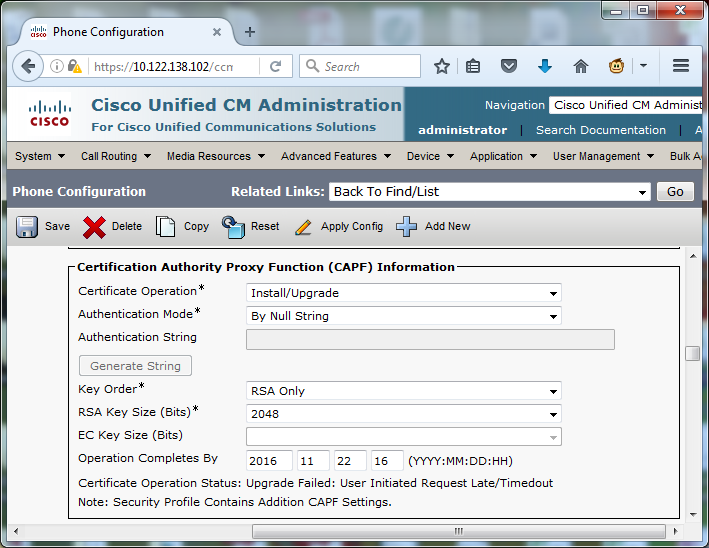
↗ View in doc contextSave your configuration changes, then Apply Config. The LSC status on the phone changes to Pending as shown in the image.
/mcpSave your configuration changes, then Apply Config. The LSC status on the phone changes to Pending as shown in the image.