McDewey
/mcpPage 126
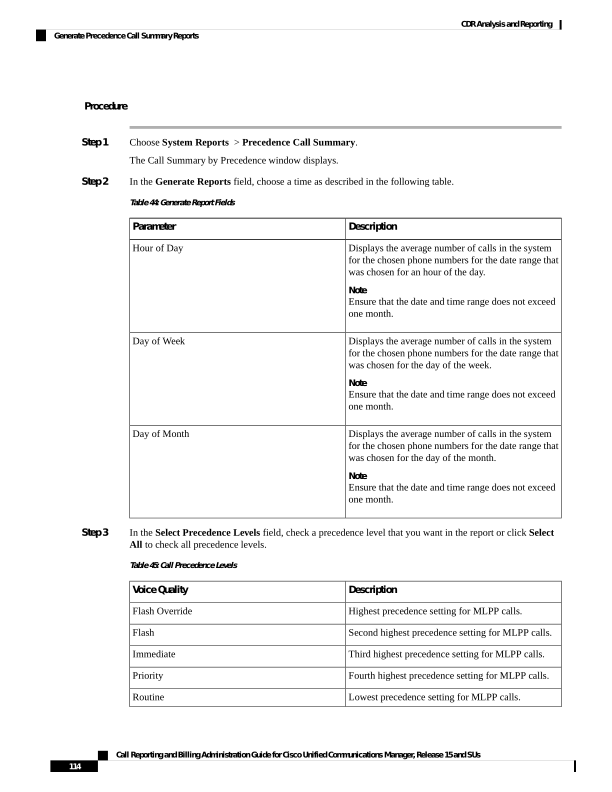
↗ View in doc contextProcedure Step 1 Choose System Reports > Precedence Call Summary. The Call Summary by Precedence window displays. Step 2 In the Generate Reports field, choose a time as described in the following table. Table 44: Generate Report Fields Description Parameter Displays the average number of calls in the system for the chosen phone numbers for the date range that was chosen for an hour of the day. Note Ensure that the date and time range does not exceed one month. Hour of Day Displays the average number of calls in the system for the chosen phone numbers for the date range that was chosen for the day of the week. Note Ensure that the date and time range does not exceed one month. Day of Week Displays the average number of calls in the system for the chosen phone numbers for the date range that was chosen for the day of the month. Note Ensure that the date and time range does not exceed one month. Day of Month Step 3 In the Select Precedence Levels field, check a precedence level that you want in the report or click Select All to check all precedence levels. Table 45: Call Precedence Levels Description Voice Quality Highest precedence setting for MLPP calls. Flash Override Second highest precedence setting for MLPP calls. Flash Third highest precedence setting for MLPP calls. Immediate Fourth highest precedence setting for MLPP calls. Priority Lowest precedence setting for MLPP calls. Routine Call Reporting and Billing Administration Guide for Cisco Unified Communications Manager, Release 15 and SUs 114 CDR Analysis and Reporting Generate Precedence Call Summary Reports