McDewey
/mcpPage 22
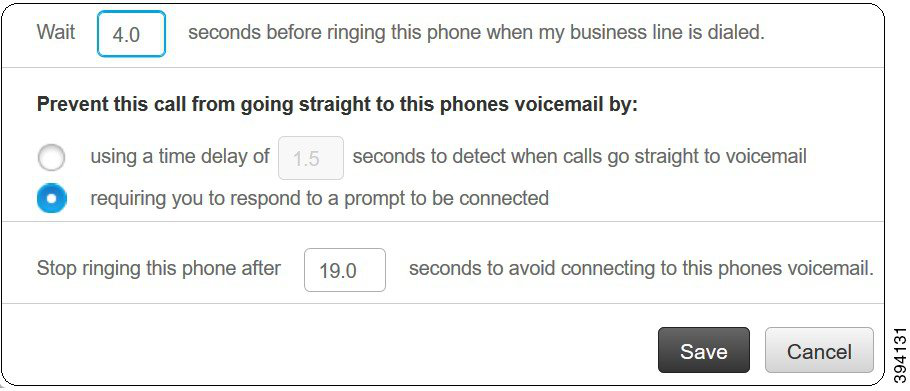
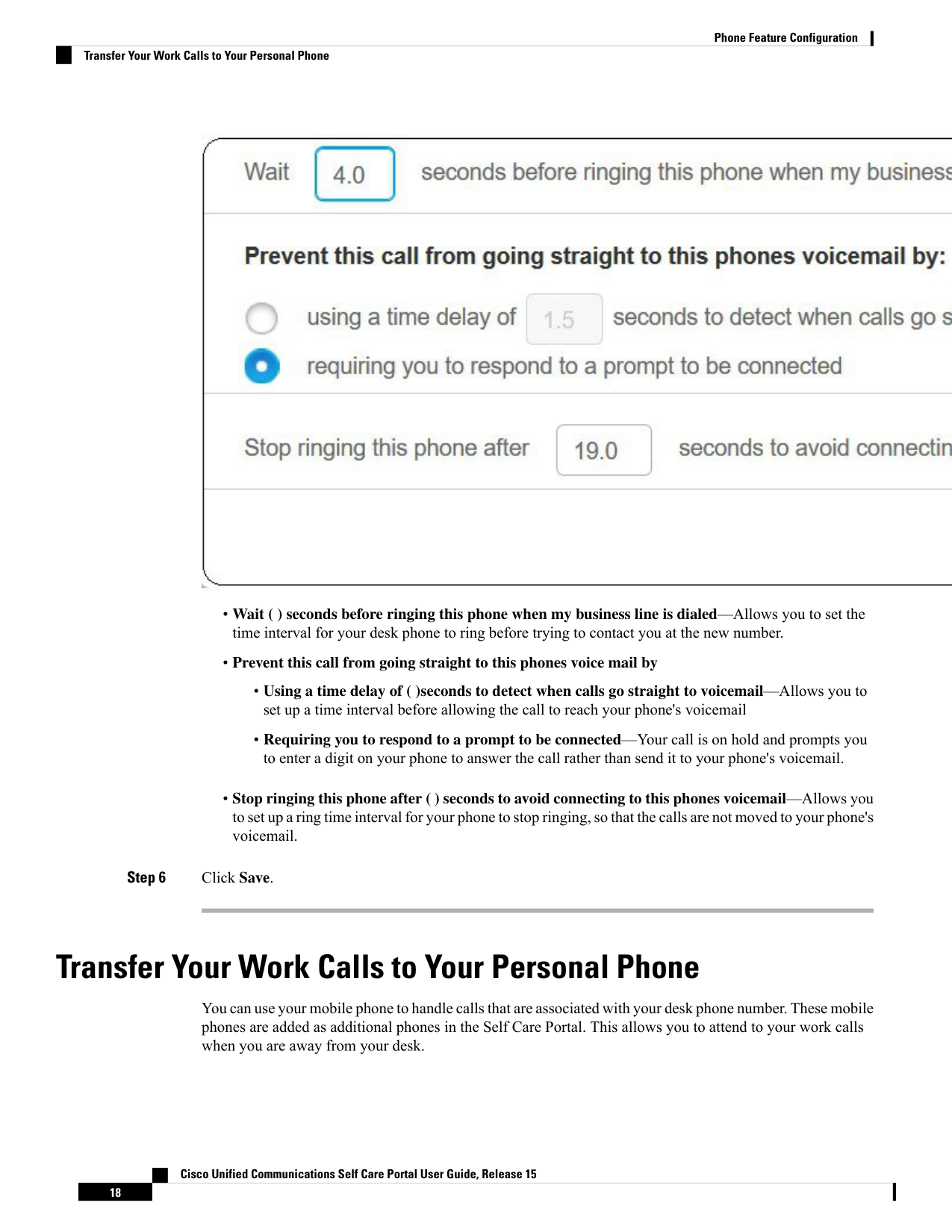
↗ View in doc context• Wait ( ) seconds before ringing this phone when my business line is dialed—Allows you to set the time interval for your desk phone to ring before trying to contact you at the new number. • Prevent this call from going straight to this phones voice mail by • Using a time delay of ( )seconds to detect when calls go straight to voicemail—Allows you to set up a time interval before allowing the call to reach your phone's voicemail • Requiring you to respond to a prompt to be connected—Your call is on hold and prompts you to enter a digit on your phone to answer the call rather than send it to your phone's voicemail. • Stop ringing this phone after ( ) seconds to avoid connecting to this phones voicemail—Allows you to set up a ring time interval for your phone to stop ringing, so that the calls are not moved to your phone's voicemail. Step 6 Click Save. Transfer Your Work Calls to Your Personal Phone You can use your mobile phone to handle calls that are associated with your desk phone number. These mobile phones are added as additional phones in the Self Care Portal. This allows you to attend to your work calls when you are away from your desk. Cisco Unified Communications Self Care Portal User Guide, Release 15 18 Phone Feature Configuration Transfer Your Work Calls to Your Personal Phone