McDewey
Multi-vendor documentation library · semantic search · MCP endpoint at
/mcpPage 9
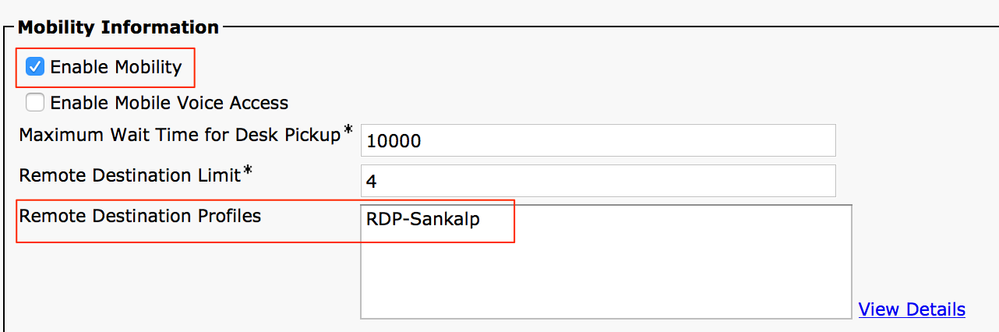
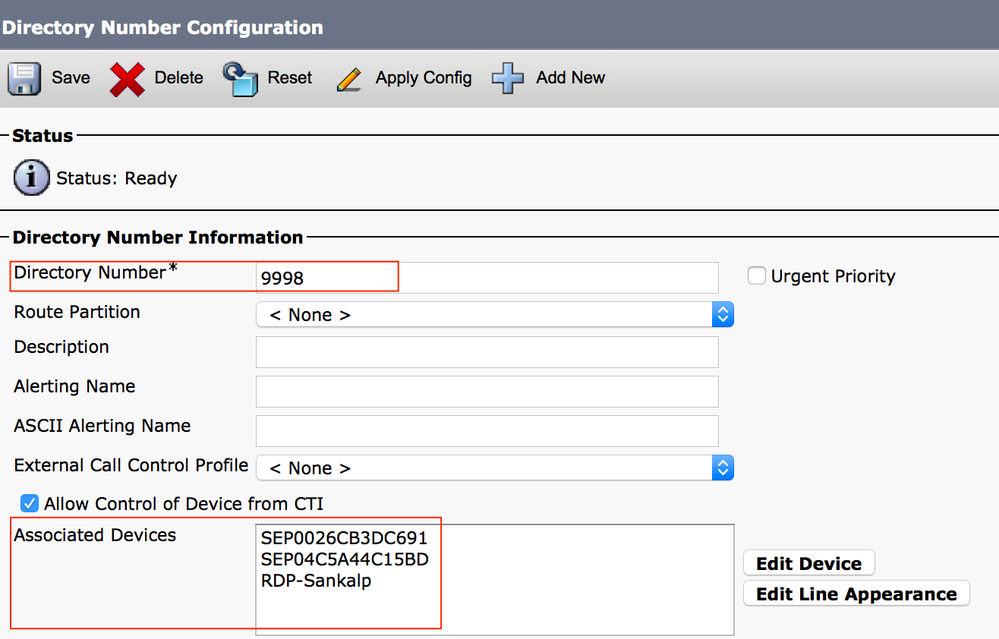
↗ View in doc contextOn the directory number page, you must see the name of the Remote Destination Profile in the section Associated Devices. Perform a test through Dialed Number Analysis to check whether the call manager directs the call to the remote destination based on configuration or not. In order to perform a dialed number analysis, navigate to Cisco Unified Serviceability > Tools > Dialed Number Analyzer > Analysis > Phones > Find > Choose the calling phone. Specify the Directory number of the desk phone and click Do Analysis.