McDewey
/mcpPage 1061
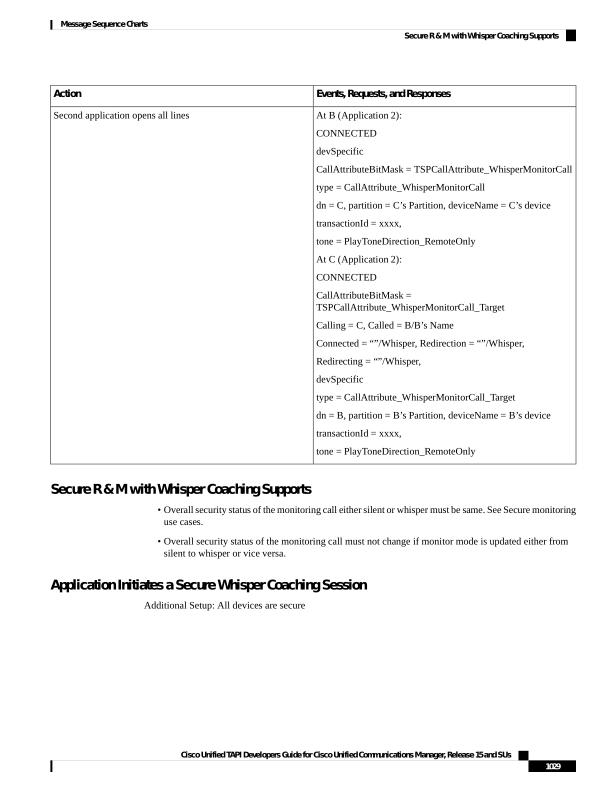
↗ View in doc contextEvents, Requests, and Responses Action At B (Application 2): CONNECTED devSpecific CallAttributeBitMask = TSPCallAttribute_WhisperMonitorCall type = CallAttribute_WhisperMonitorCall dn = C, partition = C’s Partition, deviceName = C’s device transactionId = xxxx, tone = PlayToneDirection_RemoteOnly At C (Application 2): CONNECTED CallAttributeBitMask = TSPCallAttribute_WhisperMonitorCall_Target Calling = C, Called = B/B’s Name Connected = “”/Whisper, Redirection = “”/Whisper, Redirecting = “”/Whisper, devSpecific type = CallAttribute_WhisperMonitorCall_Target dn = B, partition = B’s Partition, deviceName = B’s device transactionId = xxxx, tone = PlayToneDirection_RemoteOnly Second application opens all lines Secure R & M with Whisper Coaching Supports • Overall security status of the monitoring call either silent or whisper must be same. See Secure monitoring use cases. • Overall security status of the monitoring call must not change if monitor mode is updated either from silent to whisper or vice versa. Application Initiates a Secure Whisper Coaching Session Additional Setup: All devices are secure Cisco Unified TAPI Developers Guide for Cisco Unified Communications Manager, Release 15 and SUs 1029 Message Sequence Charts Secure R & M with Whisper Coaching Supports