McDewey
/mcpPage 143
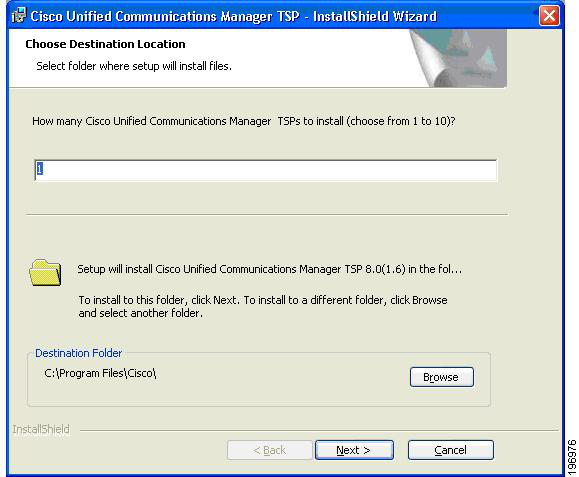
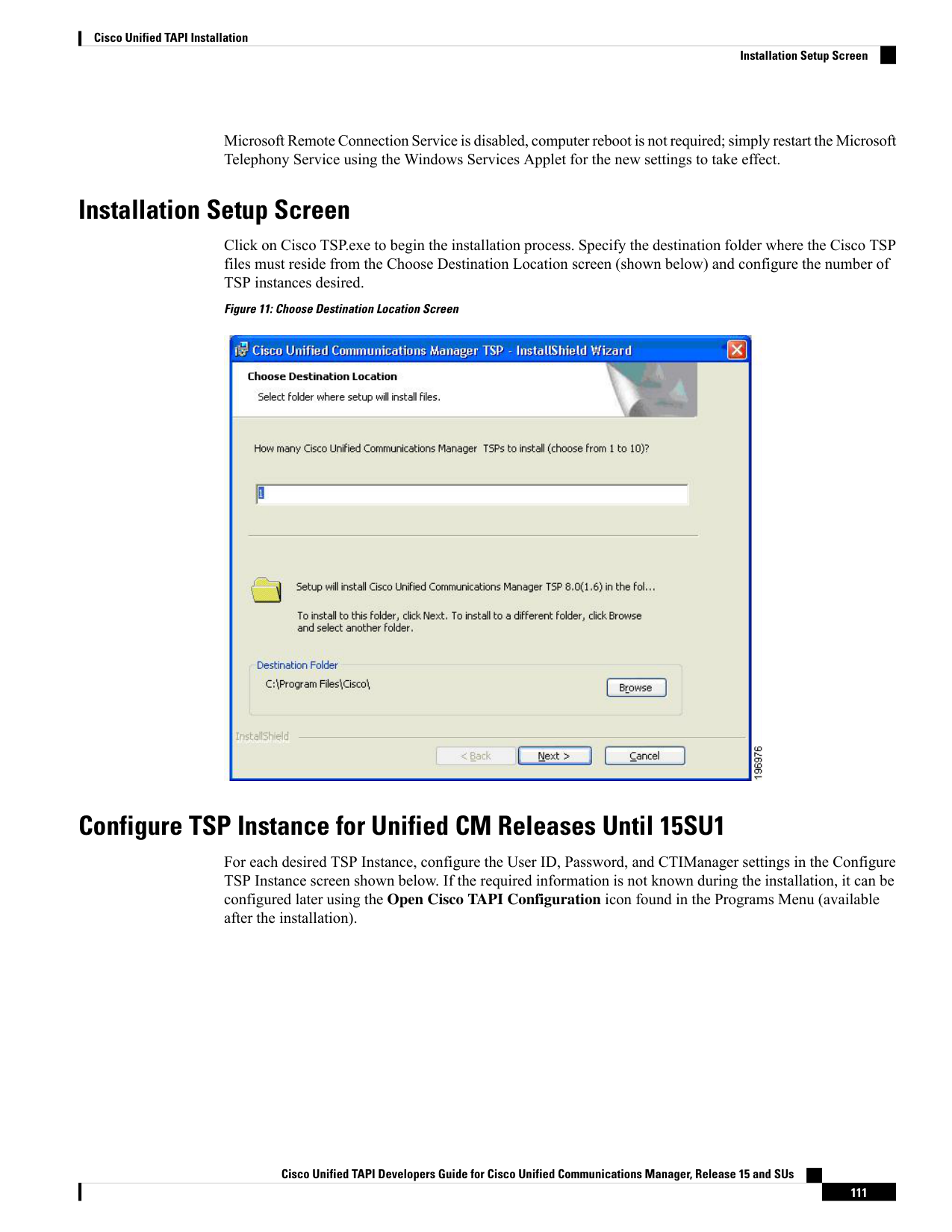
↗ View in doc contextMicrosoft Remote Connection Service is disabled, computer reboot is not required; simply restart the Microsoft Telephony Service using the Windows Services Applet for the new settings to take effect. Installation Setup Screen Click on Cisco TSP.exe to begin the installation process. Specify the destination folder where the Cisco TSP files must reside from the Choose Destination Location screen (shown below) and configure the number of TSP instances desired. Figure 11: Choose Destination Location Screen Configure TSP Instance for Unified CM Releases Until 15SU1 For each desired TSP Instance, configure the User ID, Password, and CTIManager settings in the Configure TSP Instance screen shown below. If the required information is not known during the installation, it can be configured later using the Open Cisco TAPI Configuration icon found in the Programs Menu (available after the installation). Cisco Unified TAPI Developers Guide for Cisco Unified Communications Manager, Release 15 and SUs 111 Cisco Unified TAPI Installation Installation Setup Screen