McDewey
/mcpPage 148
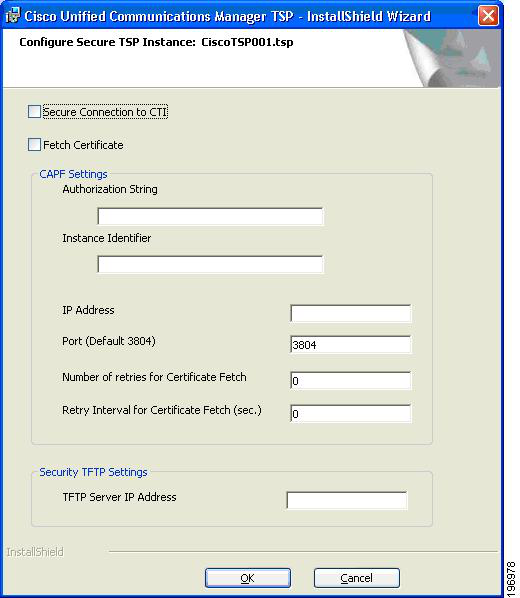
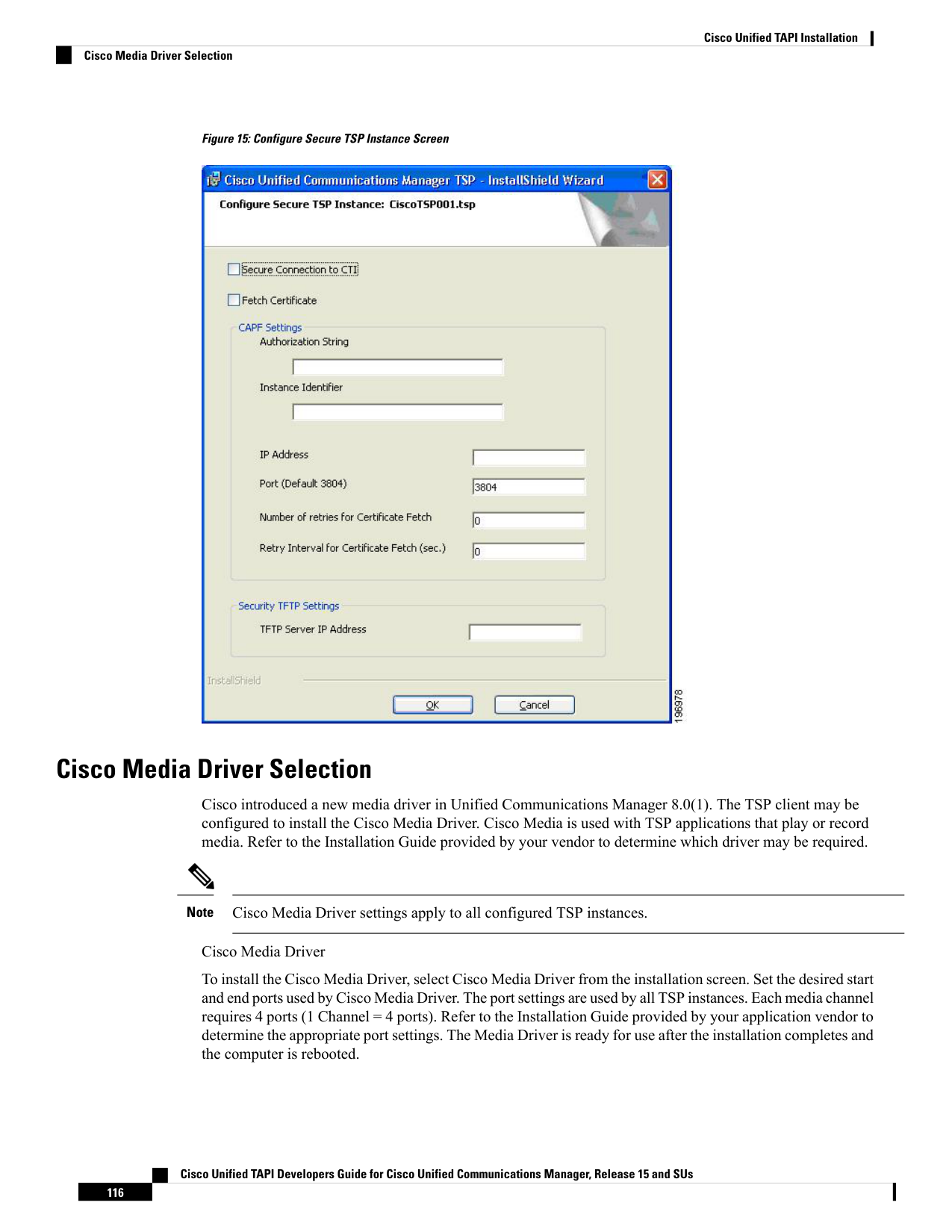
↗ View in doc contextFigure 15: Configure Secure TSP Instance Screen Cisco Media Driver Selection Cisco introduced a new media driver in Unified Communications Manager 8.0(1). The TSP client may be configured to install the Cisco Media Driver. Cisco Media is used with TSP applications that play or record media. Refer to the Installation Guide provided by your vendor to determine which driver may be required. Cisco Media Driver settings apply to all configured TSP instances. Note Cisco Media Driver To install the Cisco Media Driver, select Cisco Media Driver from the installation screen. Set the desired start and end ports used by Cisco Media Driver. The port settings are used by all TSP instances. Each media channel requires 4 ports (1 Channel = 4 ports). Refer to the Installation Guide provided by your application vendor to determine the appropriate port settings. The Media Driver is ready for use after the installation completes and the computer is rebooted. Cisco Unified TAPI Developers Guide for Cisco Unified Communications Manager, Release 15 and SUs 116 Cisco Unified TAPI Installation Cisco Media Driver Selection