McDewey
/mcpPage 151
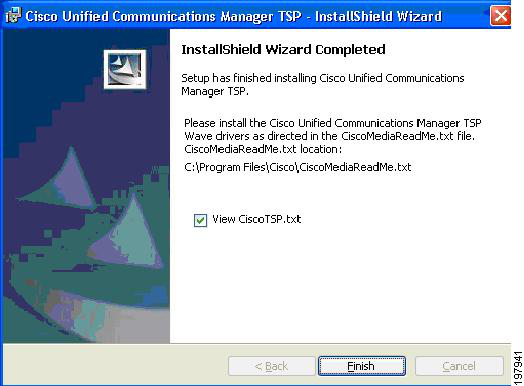
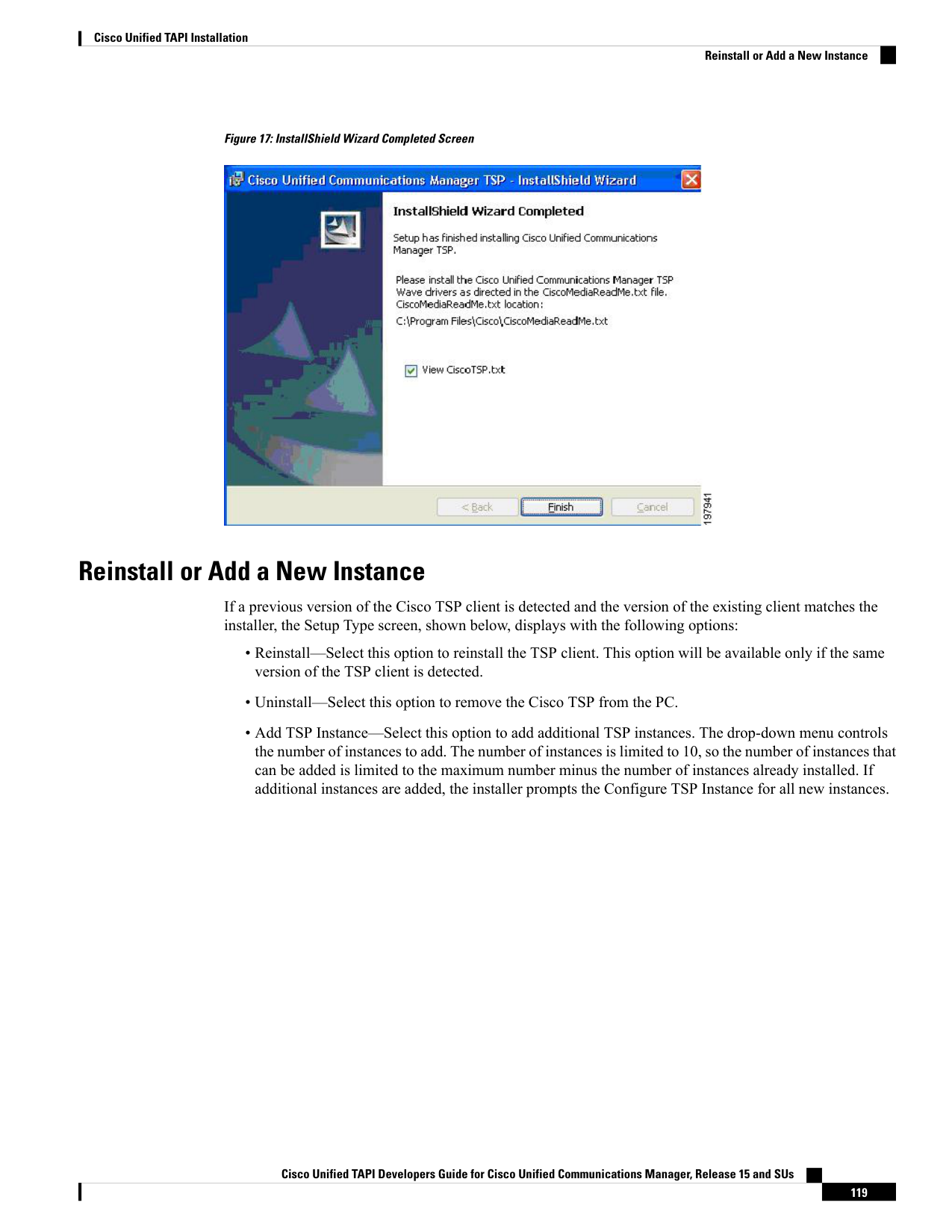
↗ View in doc contextFigure 17: InstallShield Wizard Completed Screen Reinstall or Add a New Instance If a previous version of the Cisco TSP client is detected and the version of the existing client matches the installer, the Setup Type screen, shown below, displays with the following options: • Reinstall—Select this option to reinstall the TSP client. This option will be available only if the same version of the TSP client is detected. • Uninstall—Select this option to remove the Cisco TSP from the PC. • Add TSP Instance—Select this option to add additional TSP instances. The drop-down menu controls the number of instances to add. The number of instances is limited to 10, so the number of instances that can be added is limited to the maximum number minus the number of instances already installed. If additional instances are added, the installer prompts the Configure TSP Instance for all new instances. Cisco Unified TAPI Developers Guide for Cisco Unified Communications Manager, Release 15 and SUs 119 Cisco Unified TAPI Installation Reinstall or Add a New Instance