McDewey
/mcpPage 154
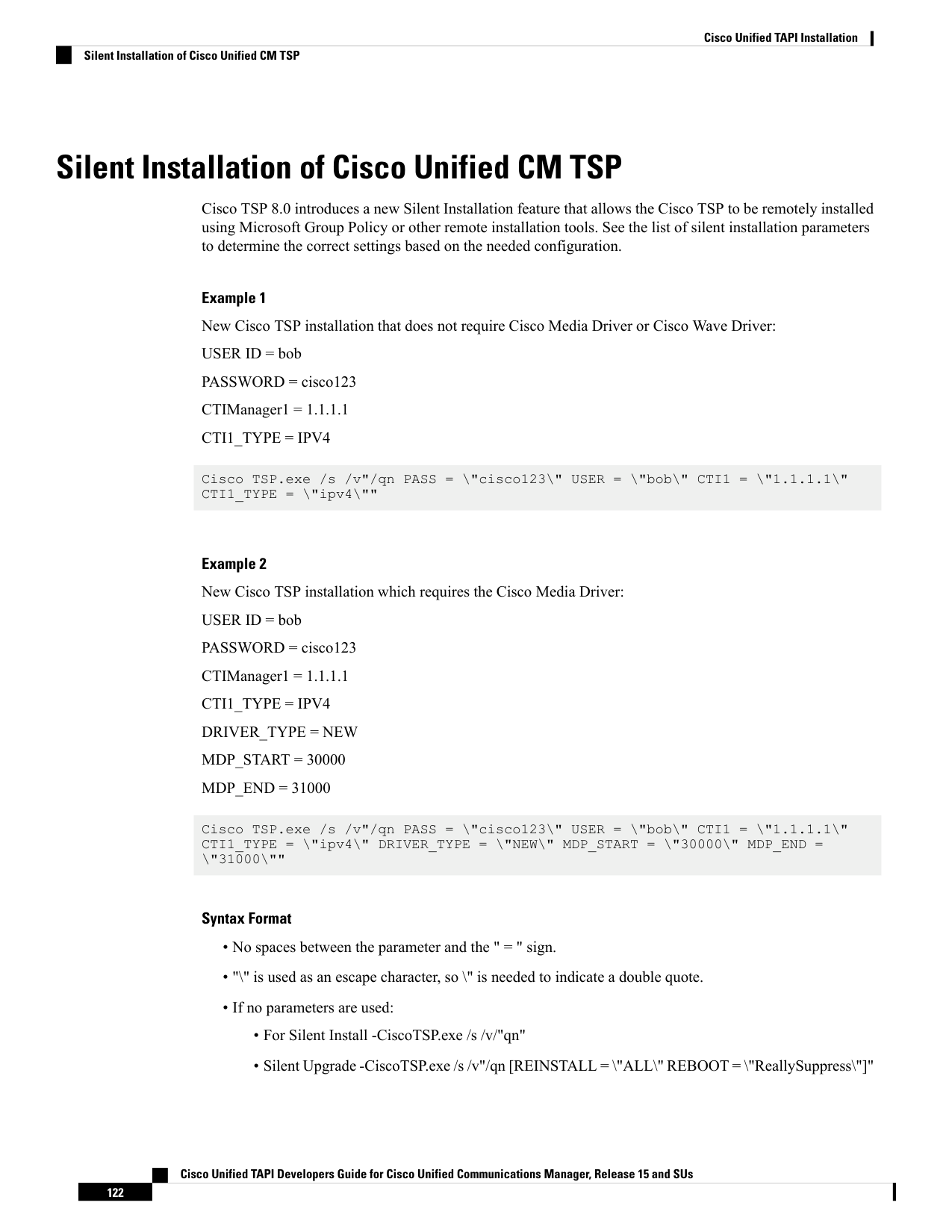
↗ View in doc contextSilent Installation of Cisco Unified CM TSP Cisco TSP 8.0 introduces a new Silent Installation feature that allows the Cisco TSP to be remotely installed using Microsoft Group Policy or other remote installation tools. See the list of silent installation parameters to determine the correct settings based on the needed configuration. Example 1 New Cisco TSP installation that does not require Cisco Media Driver or Cisco Wave Driver: USER ID = bob PASSWORD = cisco123 CTIManager1 = 1.1.1.1 CTI1_TYPE = IPV4 Cisco TSP.exe /s /v"/qn PASS = "cisco123" USER = "bob" CTI1 = "1.1.1.1" CTI1_TYPE = "ipv4"" Example 2 New Cisco TSP installation which requires the Cisco Media Driver: USER ID = bob PASSWORD = cisco123 CTIManager1 = 1.1.1.1 CTI1_TYPE = IPV4 DRIVER_TYPE = NEW MDP_START = 30000 MDP_END = 31000 Cisco TSP.exe /s /v"/qn PASS = "cisco123" USER = "bob" CTI1 = "1.1.1.1" CTI1_TYPE = "ipv4" DRIVER_TYPE = "NEW" MDP_START = "30000" MDP_END = "31000"" Syntax Format • No spaces between the parameter and the " = " sign. • "" is used as an escape character, so " is needed to indicate a double quote. • If no parameters are used: • For Silent Install -CiscoTSP.exe /s /v/"qn" • Silent Upgrade -CiscoTSP.exe /s /v"/qn [REINSTALL = "ALL" REBOOT = "ReallySuppress"]" Cisco Unified TAPI Developers Guide for Cisco Unified Communications Manager, Release 15 and SUs 122 Cisco Unified TAPI Installation Silent Installation of Cisco Unified CM TSP