McDewey
/mcpPage 168
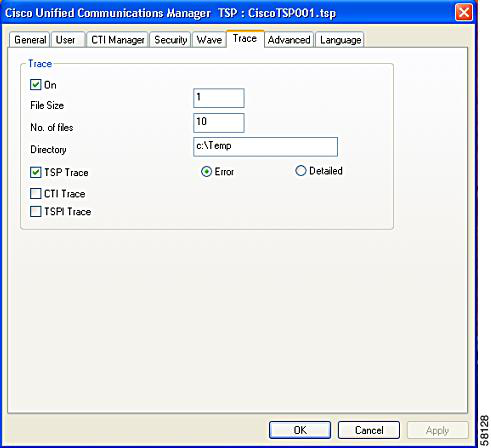
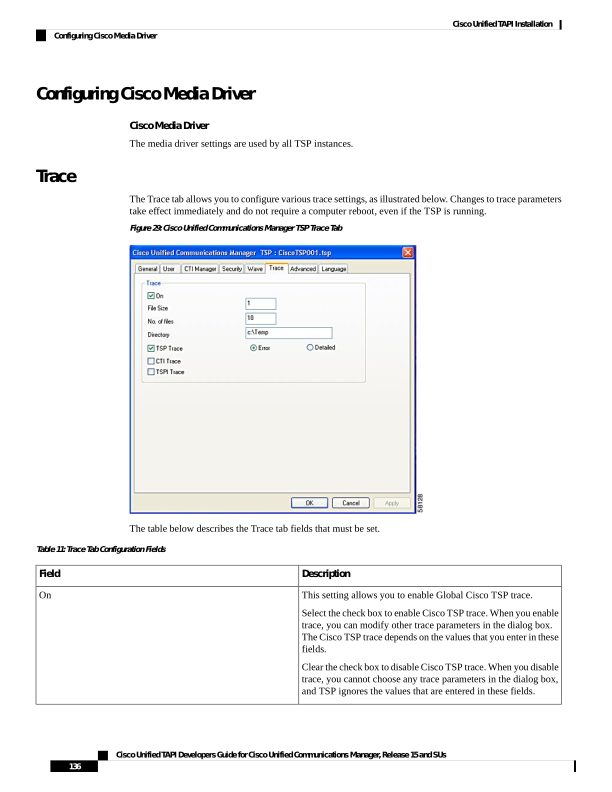
↗ View in doc contextConfiguring Cisco Media Driver Cisco Media Driver The media driver settings are used by all TSP instances. Trace The Trace tab allows you to configure various trace settings, as illustrated below. Changes to trace parameters take effect immediately and do not require a computer reboot, even if the TSP is running. Figure 29: Cisco Unified Communications Manager TSP Trace Tab The table below describes the Trace tab fields that must be set. Table 11: Trace Tab Configuration Fields Description Field This setting allows you to enable Global Cisco TSP trace. Select the check box to enable Cisco TSP trace. When you enable trace, you can modify other trace parameters in the dialog box. The Cisco TSP trace depends on the values that you enter in these fields. Clear the check box to disable Cisco TSP trace. When you disable trace, you cannot choose any trace parameters in the dialog box, and TSP ignores the values that are entered in these fields. On Cisco Unified TAPI Developers Guide for Cisco Unified Communications Manager, Release 15 and SUs 136 Cisco Unified TAPI Installation Configuring Cisco Media Driver