McDewey
/mcpPage 172
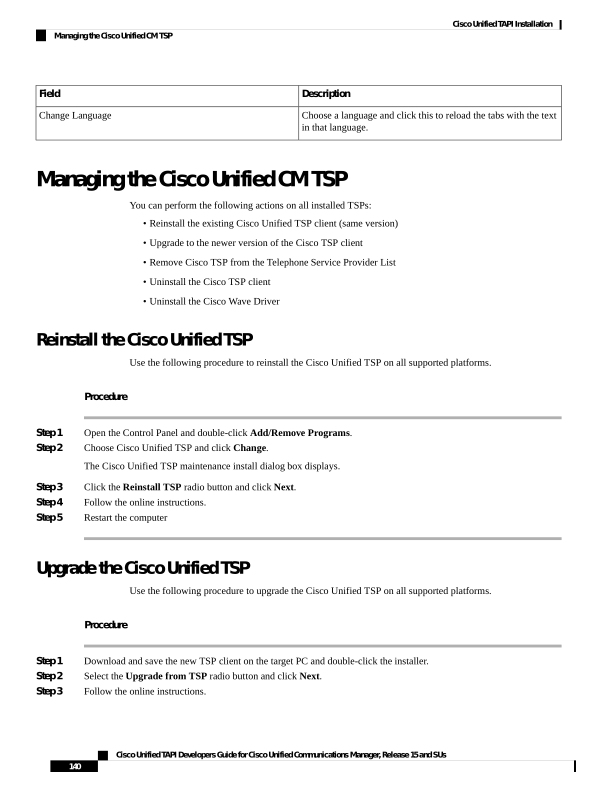
↗ View in doc contextDescription Field Choose a language and click this to reload the tabs with the text in that language. Change Language Managing the Cisco Unified CM TSP You can perform the following actions on all installed TSPs: • Reinstall the existing Cisco Unified TSP client (same version) • Upgrade to the newer version of the Cisco TSP client • Remove Cisco TSP from the Telephone Service Provider List • Uninstall the Cisco TSP client • Uninstall the Cisco Wave Driver Reinstall the Cisco Unified TSP Use the following procedure to reinstall the Cisco Unified TSP on all supported platforms. Procedure Step 1 Open the Control Panel and double-click Add/Remove Programs. Step 2 Choose Cisco Unified TSP and click Change. The Cisco Unified TSP maintenance install dialog box displays. Step 3 Click the Reinstall TSP radio button and click Next. Step 4 Follow the online instructions. Step 5 Restart the computer Upgrade the Cisco Unified TSP Use the following procedure to upgrade the Cisco Unified TSP on all supported platforms. Procedure Step 1 Download and save the new TSP client on the target PC and double-click the installer. Step 2 Select the Upgrade from TSP radio button and click Next. Step 3 Follow the online instructions. Cisco Unified TAPI Developers Guide for Cisco Unified Communications Manager, Release 15 and SUs 140 Cisco Unified TAPI Installation Managing the Cisco Unified CM TSP