McDewey
/mcpPage 324
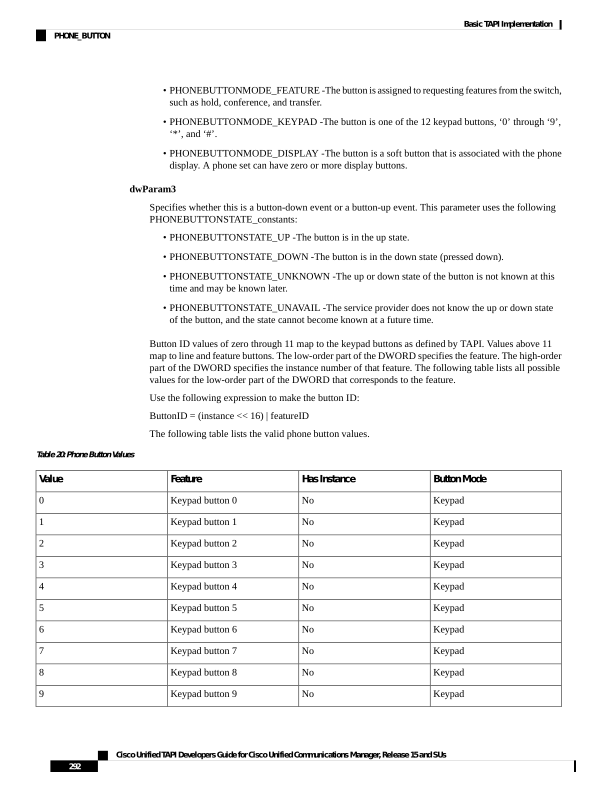
↗ View in doc context• PHONEBUTTONMODE_FEATURE -The button is assigned to requesting features from the switch, such as hold, conference, and transfer. • PHONEBUTTONMODE_KEYPAD -The button is one of the 12 keypad buttons, ‘0’ through ‘9’, ‘*’, and ‘#’. • PHONEBUTTONMODE_DISPLAY -The button is a soft button that is associated with the phone display. A phone set can have zero or more display buttons. dwParam3 Specifies whether this is a button-down event or a button-up event. This parameter uses the following PHONEBUTTONSTATE_constants: • PHONEBUTTONSTATE_UP -The button is in the up state. • PHONEBUTTONSTATE_DOWN -The button is in the down state (pressed down). • PHONEBUTTONSTATE_UNKNOWN -The up or down state of the button is not known at this time and may be known later. • PHONEBUTTONSTATE_UNAVAIL -The service provider does not know the up or down state of the button, and the state cannot become known at a future time. Button ID values of zero through 11 map to the keypad buttons as defined by TAPI. Values above 11 map to line and feature buttons. The low-order part of the DWORD specifies the feature. The high-order part of the DWORD specifies the instance number of that feature. The following table lists all possible values for the low-order part of the DWORD that corresponds to the feature. Use the following expression to make the button ID: ButtonID = (instance << 16) | featureID The following table lists the valid phone button values. Table 20: Phone Button Values Button Mode Has Instance Feature Value Keypad No Keypad button 0 0 Keypad No Keypad button 1 1 Keypad No Keypad button 2 2 Keypad No Keypad button 3 3 Keypad No Keypad button 4 4 Keypad No Keypad button 5 5 Keypad No Keypad button 6 6 Keypad No Keypad button 7 7 Keypad No Keypad button 8 8 Keypad No Keypad button 9 9 Cisco Unified TAPI Developers Guide for Cisco Unified Communications Manager, Release 15 and SUs 292 Basic TAPI Implementation PHONE_BUTTON