McDewey
/mcpPage 767
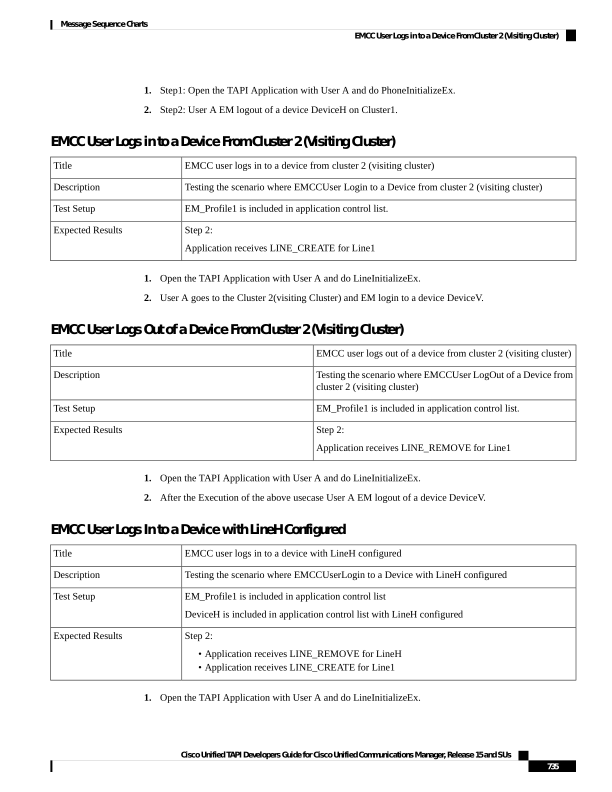
↗ View in doc contextStep1: Open the TAPI Application with User A and do PhoneInitializeEx. 2. Step2: User A EM logout of a device DeviceH on Cluster1. EMCC User Logs in to a Device From Cluster 2 (Visiting Cluster) EMCC user logs in to a device from cluster 2 (visiting cluster) Title Testing the scenario where EMCCUser Login to a Device from cluster 2 (visiting cluster) Description EM_Profile1 is included in application control list. Test Setup Step 2: Application receives LINE_CREATE for Line1 Expected Results 1. Open the TAPI Application with User A and do LineInitializeEx. 2. User A goes to the Cluster 2(visiting Cluster) and EM login to a device DeviceV. EMCC User Logs Out of a Device From Cluster 2 (Visiting Cluster) EMCC user logs out of a device from cluster 2 (visiting cluster) Title Testing the scenario where EMCCUser LogOut of a Device from cluster 2 (visiting cluster) Description EM_Profile1 is included in application control list. Test Setup Step 2: Application receives LINE_REMOVE for Line1 Expected Results 1. Open the TAPI Application with User A and do LineInitializeEx. 2. After the Execution of the above usecase User A EM logout of a device DeviceV. EMCC User Logs In to a Device with LineH Configured EMCC user logs in to a device with LineH configured Title Testing the scenario where EMCCUserLogin to a Device with LineH configured Description EM_Profile1 is included in application control list DeviceH is included in application control list with LineH configured Test Setup Step 2: • Application receives LINE_REMOVE for LineH • Application receives LINE_CREATE for Line1 Expected Results 1. Open the TAPI Application with User A and do LineInitializeEx. Cisco Unified TAPI Developers Guide for Cisco Unified Communications Manager, Release 15 and SUs 735 Message Sequence Charts EMCC User Logs in to a Device From Cluster 2 (Visiting Cluster)