McDewey
Multi-vendor documentation library · semantic search · MCP endpoint at
/mcpPage 3
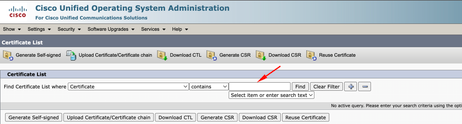
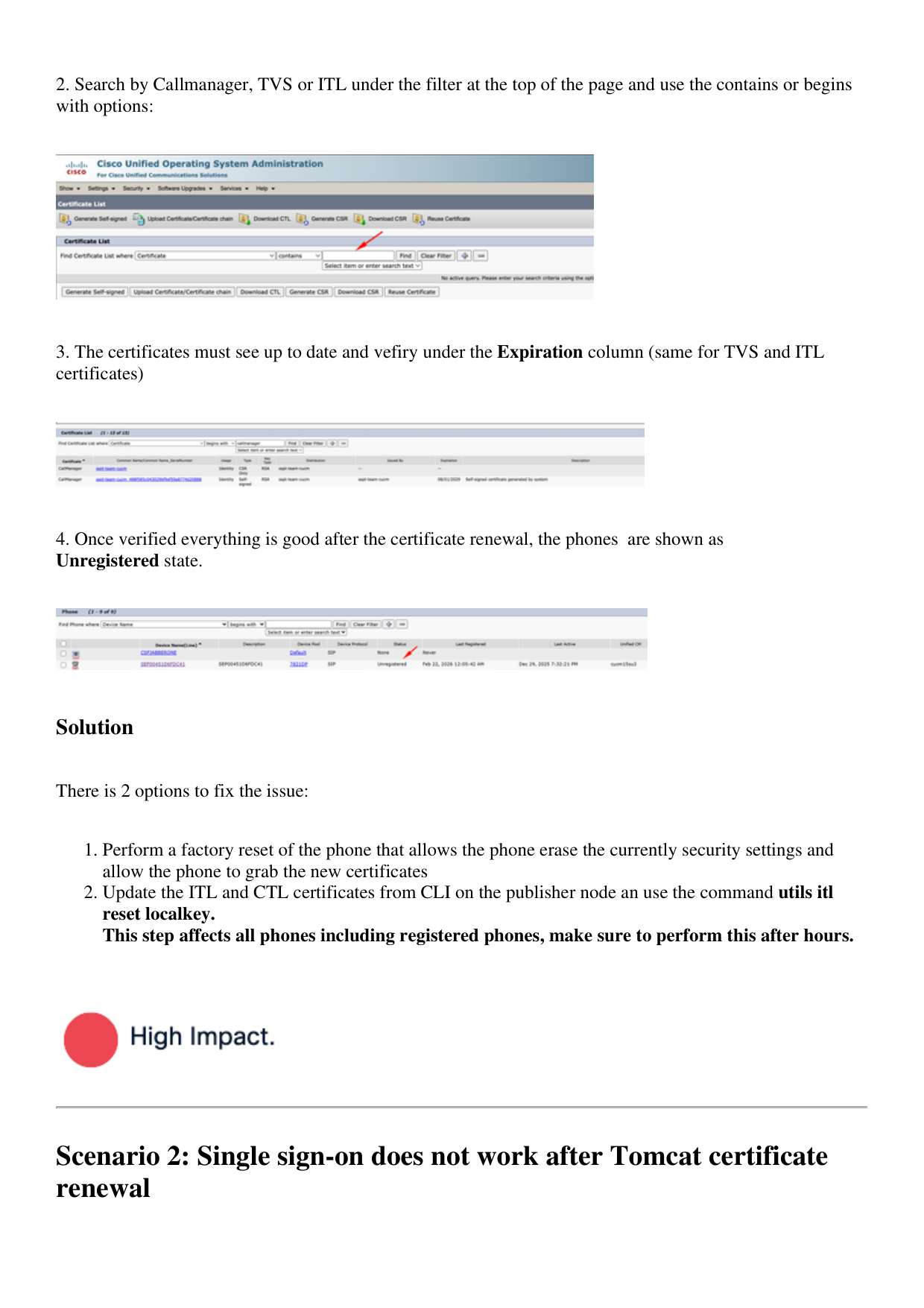
↗ View in doc context- Search by Callmanager, TVS or ITL under the filter at the top of the page and use the contains or begins with options:
- The certificates must see up to date and vefiry under the Expiration column (same for TVS and ITL certificates)
- Once verified everything is good after the certificate renewal, the phones are shown as Unregistered state. Solution There is 2 options to fix the issue: Perform a factory reset of the phone that allows the phone erase the currently security settings and allow the phone to grab the new certificates
Update the ITL and CTL certificates from CLI on the publisher node an use the command utils itl reset localkey. This step affects all phones including registered phones, make sure to perform this after hours. 2. Scenario 2: Single sign-on does not work after Tomcat certificate renewal