McDewey
Multi-vendor documentation library · semantic search · MCP endpoint at
/mcpPage 12
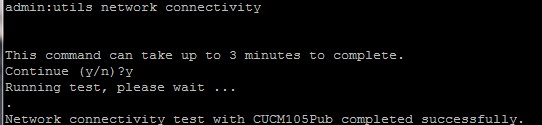
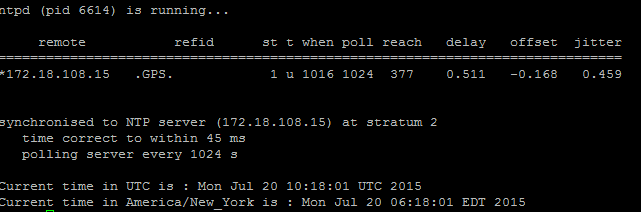
↗ View in doc context- Additionally, you can run this command: utils ntp status Step 5. Check the Connectivity Status from all the Nodes and Ensure They are Authenticated After you complete Step 4, if there are no issues reported, run the utils network connectivity command on all the nodes to check the connectivity to the databases is successful, as shown in this image.
- If you receive "Cannot send TCP/UDP packets" as an error message, check your network for any retransmissions or block the TCP/UDP ports. The show network cluster command checks for authentication of all nodes.
- If the status of the node is unauthenticated, ensure that the network connectivity and the security password is the same on all the nodes, as shown in this image.