McDewey
/mcpPage 13
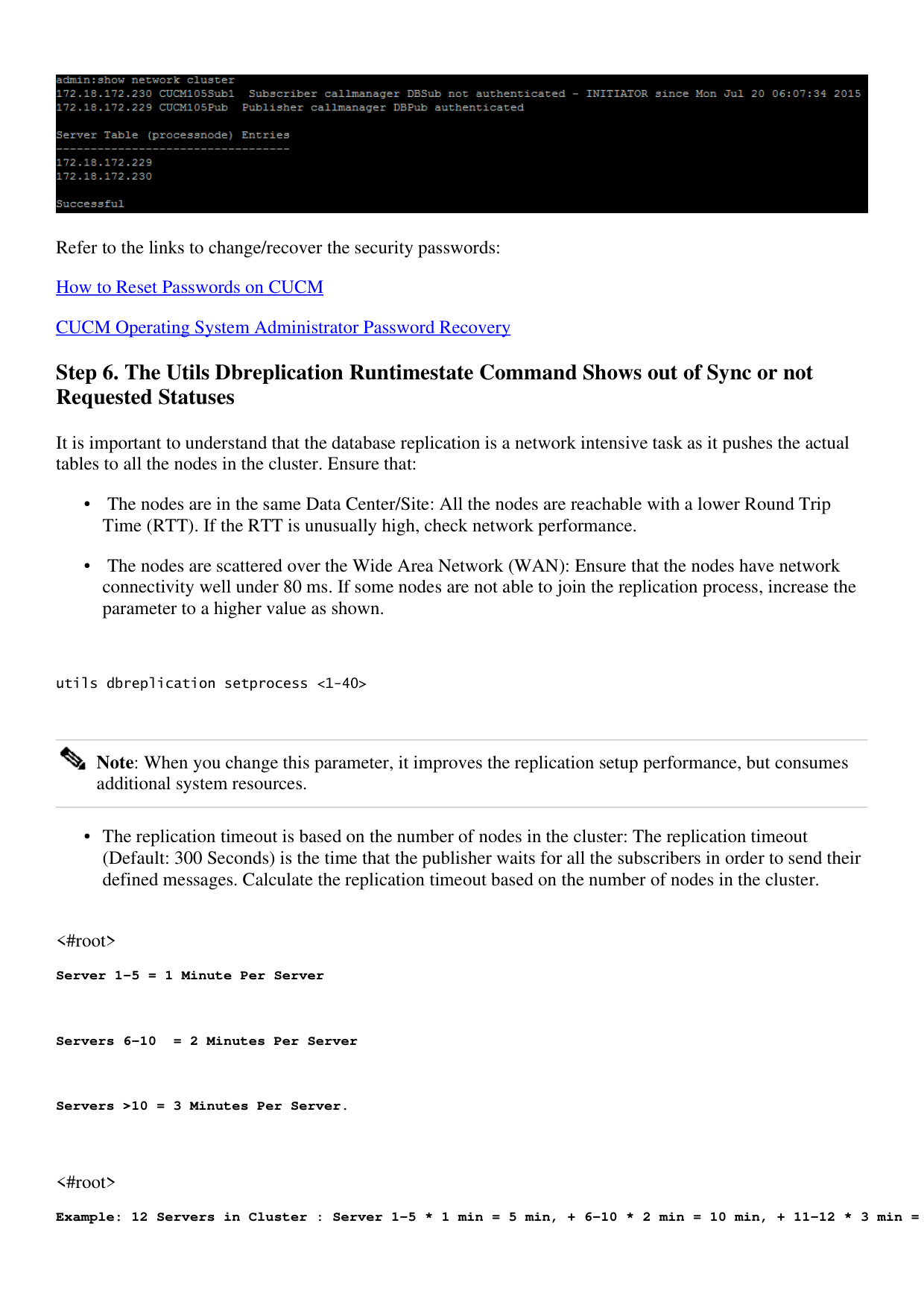
↗ View in doc contextRefer to the links to change/recover the security passwords: How to Reset Passwords on CUCM CUCM Operating System Administrator Password Recovery Step 6. The Utils Dbreplication Runtimestate Command Shows out of Sync or not Requested Statuses It is important to understand that the database replication is a network intensive task as it pushes the actual tables to all the nodes in the cluster. Ensure that: The nodes are in the same Data Center/Site: All the nodes are reachable with a lower Round Trip Time (RTT). If the RTT is unusually high, check network performance. • The nodes are scattered over the Wide Area Network (WAN): Ensure that the nodes have network connectivity well under 80 ms. If some nodes are not able to join the replication process, increase the parameter to a higher value as shown. • utils dbreplication setprocess <1-40> Note: When you change this parameter, it improves the replication setup performance, but consumes additional system resources. The replication timeout is based on the number of nodes in the cluster: The replication timeout (Default: 300 Seconds) is the time that the publisher waits for all the subscribers in order to send their defined messages. Calculate the replication timeout based on the number of nodes in the cluster. • <#root> Server 1-5 = 1 Minute Per Server Servers 6-10 = 2 Minutes Per Server Servers >10 = 3 Minutes Per Server. <#root> Example: 12 Servers in Cluster : Server 1-5 * 1 min = 5 min, + 6-10 * 2 min = 10 min, + 11-12 * 3 min =