McDewey
/mcpPage 15
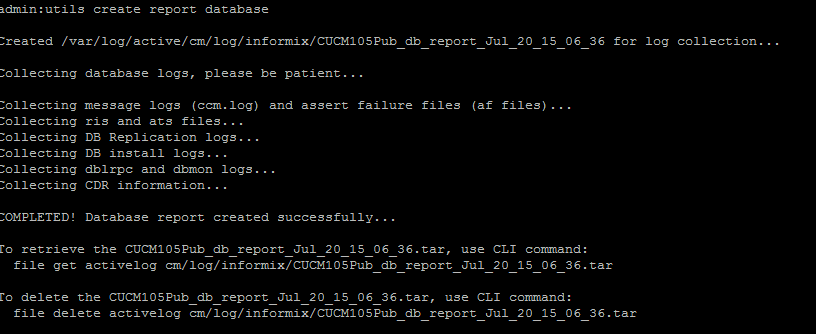
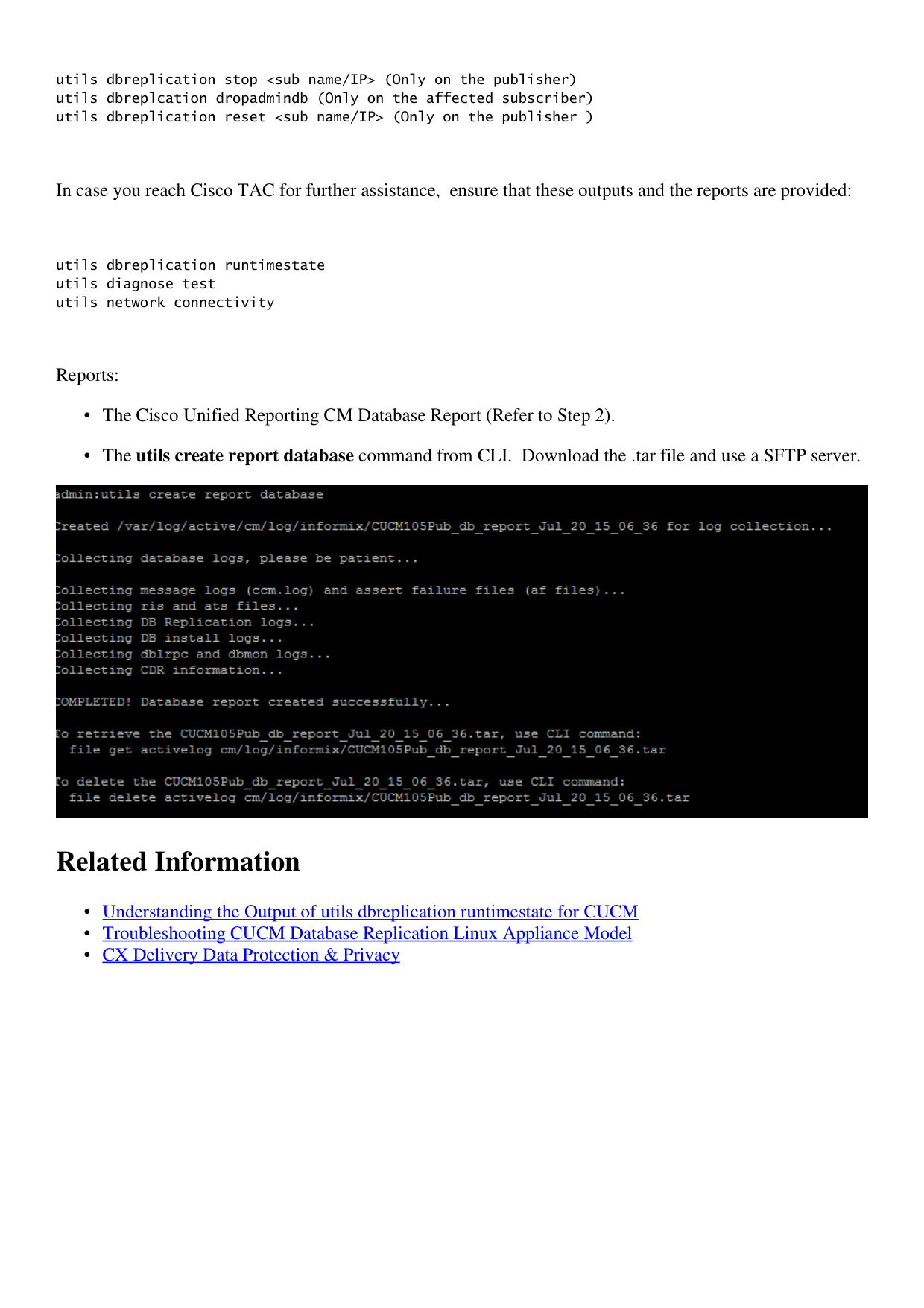
↗ View in doc contextutils dbreplication stop <sub name/IP> (Only on the publisher) utils dbreplcation dropadmindb (Only on the affected subscriber) utils dbreplication reset <sub name/IP> (Only on the publisher ) In case you reach Cisco TAC for further assistance, ensure that these outputs and the reports are provided: utils dbreplication runtimestate utils diagnose test utils network connectivity Reports: The Cisco Unified Reporting CM Database Report (Refer to Step 2). • The utils create report database command from CLI. Download the .tar file and use a SFTP server. • Related Information Understanding the Output of utils dbreplication runtimestate for CUCM • Troubleshooting CUCM Database Replication Linux Appliance Model • CX Delivery Data Protection & Privacy •