McDewey
/mcpPage 421
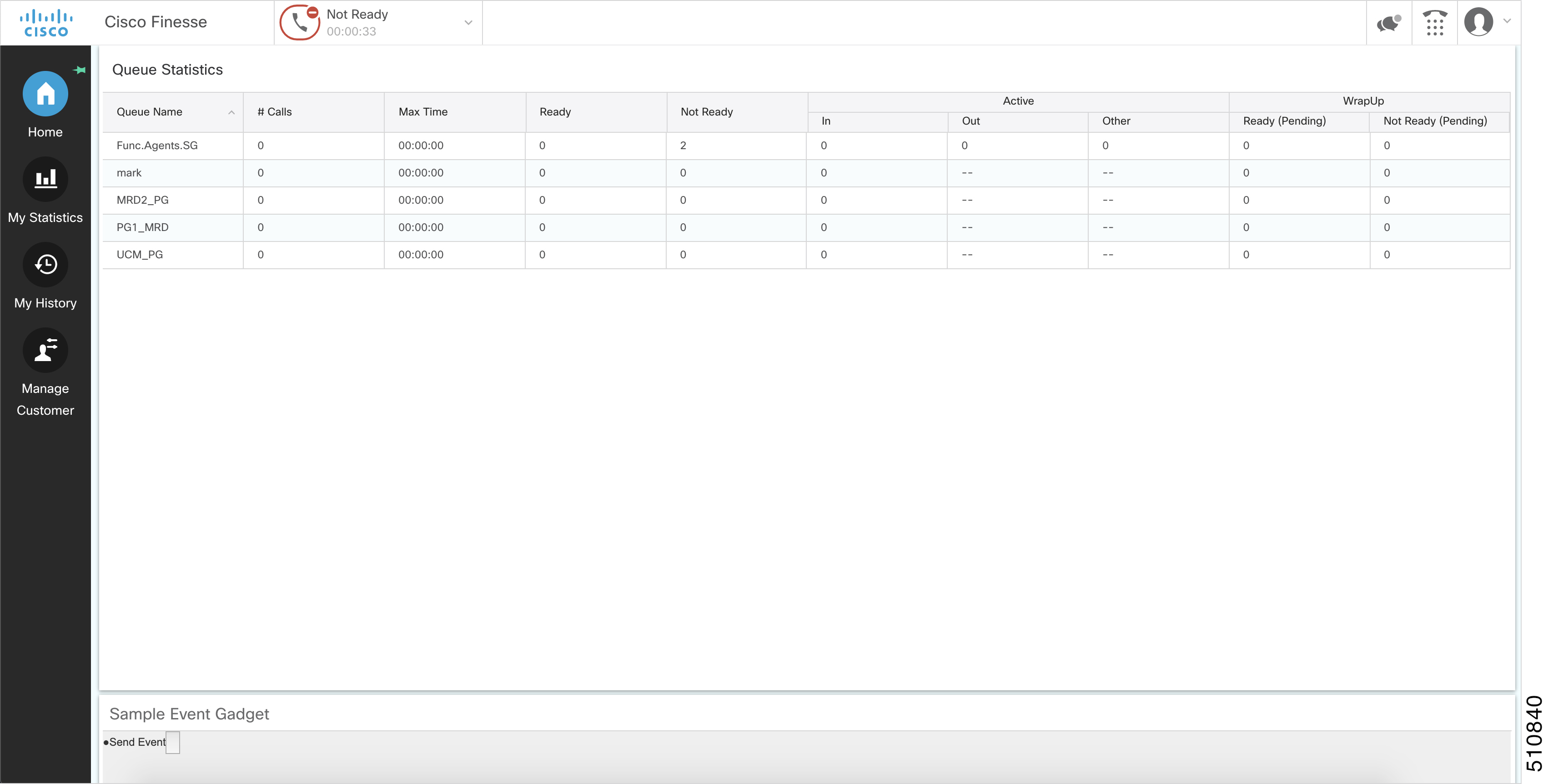
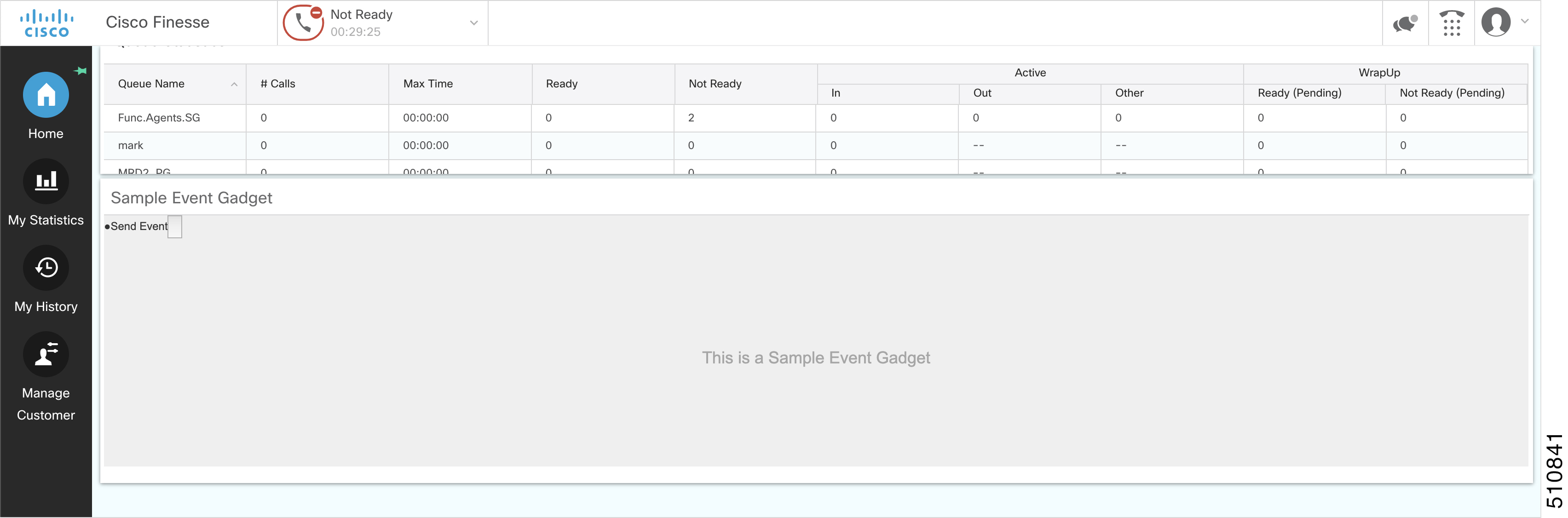
↗ View in doc contextExample <gadget>https://my-server.com/gadgets/SampleGadget/SampleGadget.jsp?gadgetHeight=150</gadget> In the above example, the gadget content cannot define the height of the gadget. You would want the gadget to take the height of the content dynamically. But since the gadget is an iFrame, it has limited capabilities to adjust height automatically. Setting the gadget height through Finesse desktop layout XML gives you a gadget with fixed height with no resizing capabilities. Setting Gadget Height—Using Gadget API You might have a gadget whose content is dynamic, such as a grid that is being populated with data dynamically. The number of rows can increase or decrease in real-time. If you have a gadget with highly dynamic content, then fixed height may result in a lot of extra white space or there is not enough space to show the whole content inside the gadget. These issues can be resolved with the gadgets.window.adjustHeight(opt_height) API. Figure 12: Extra White Space Figure 13: Space Constraint You can set the height of the gadget dynamically from inside the gadget itself by passing the height in pixels to the gadgets.window.adjustHeight(opt_height) API. For example, consider a gadget which shows the details of a customer currently on the call. This gadget is supposed to have two views to display the information. Cisco Finesse Web Services Developer and JavaScript Guide, Release 12.5(1) 405 Finesse Desktop Gadget Development Setting Gadget Height—Using Gadget API