McDewey
/mcpPage 438
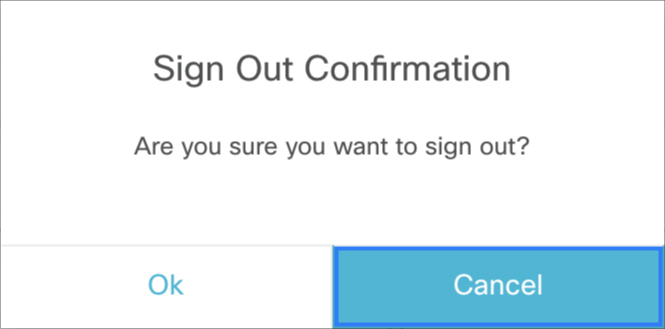
↗ View in doc context• Label for the button to close the modal dialog • If the modal dialog should block other dialogs • If the modal dialog is draggable • If the modal dialog is fixed-size Figure 14: Sample UI Modal Dialog Custom JavaScript-based modal dialogs and alerts negatively affects the functionality of the Finesse desktop and is not recommended to be used. Note Example var containerServices = finesse.containerservices.ContainerServices.init(); containerServices.showDialog({ title: 'Error Occurred', message: 'Something went wrong', close: function() { } }); Parameters Required Description Type Name Yes Title of the modal dialog. String title Yes Options for the modal dialog. • close—Callback function that gets invoked when the close button of the modal dialog is clicked. • message—Message to be displayed in the modal dialog. • isBlocking—Indicates whether the modal dialog blocks other dialogs from being shown. Object options Returns {Object} The modal dialog object of the modal dialog DOM (Document Object Model) element. Cisco Finesse Web Services Developer and JavaScript Guide, Release 12.5(1) 422 Cisco Finesse JavaScript APIs Container Services