McDewey
/mcpPage 10
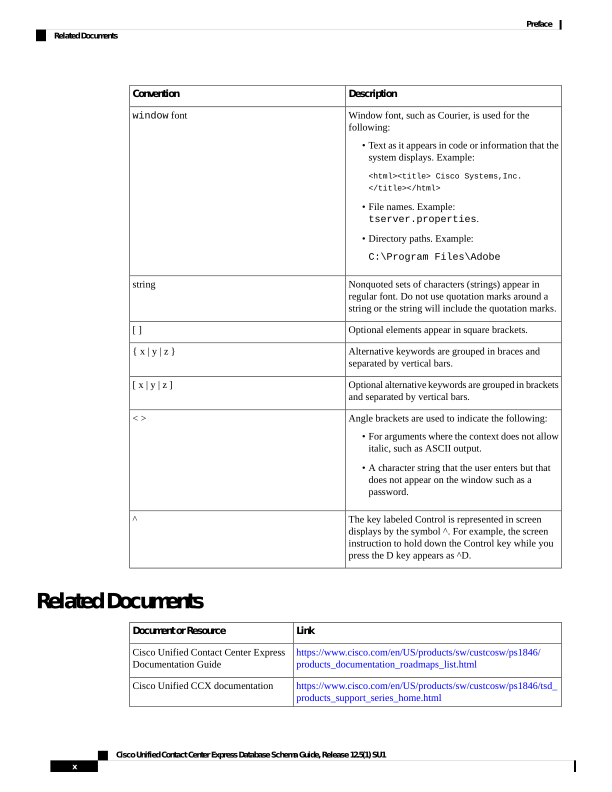
↗ View in doc contextDescription Convention Window font, such as Courier, is used for the following: • Text as it appears in code or information that the system displays. Example: <html><title> Cisco Systems,Inc. </title></html> • File names. Example: tserver.properties. • Directory paths. Example: C:\Program Files\Adobe window font Nonquoted sets of characters (strings) appear in regular font. Do not use quotation marks around a string or the string will include the quotation marks. string Optional elements appear in square brackets. [ ] Alternative keywords are grouped in braces and separated by vertical bars. { x | y | z } Optional alternative keywords are grouped in brackets and separated by vertical bars. [ x | y | z ] Angle brackets are used to indicate the following: • For arguments where the context does not allow italic, such as ASCII output. • A character string that the user enters but that does not appear on the window such as a password. < > The key labeled Control is represented in screen displays by the symbol ^. For example, the screen instruction to hold down the Control key while you press the D key appears as ^D. ^ Related Documents Link Document or Resource https://www.cisco.com/en/US/products/sw/custcosw/ps1846/ products_documentation_roadmaps_list.html Cisco Unified Contact Center Express Documentation Guide https://www.cisco.com/en/US/products/sw/custcosw/ps1846/tsd_ products_support_series_home.html Cisco Unified CCX documentation Cisco Unified Contact Center Express Database Schema Guide, Release 12.5(1) SU1 x Preface Related Documents