McDewey
Multi-vendor documentation library · semantic search · MCP endpoint at
/mcpPage 6
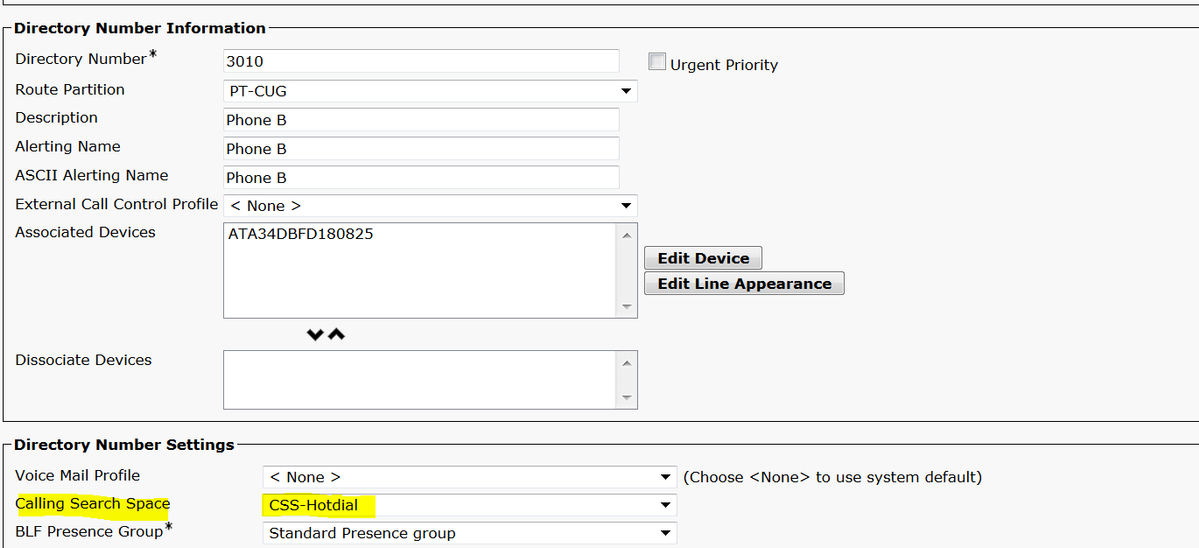
↗ View in doc contextAssign the SP dial Rule on the device configuration page. G Verify Go off hook on the analog phone connected to the ATA and you should be able to see the destination phone ringing. You should also hear ring back tone on the analog phone. Troubleshoot Check the ATA firmware supported for the PLAR configuration. G Check the ATA device registered and DN send/receive the call. G If still PLAR not working, remove the SIP dial rule from phone configuration page and re- assign the same. G