McDewey
/mcpPage 128
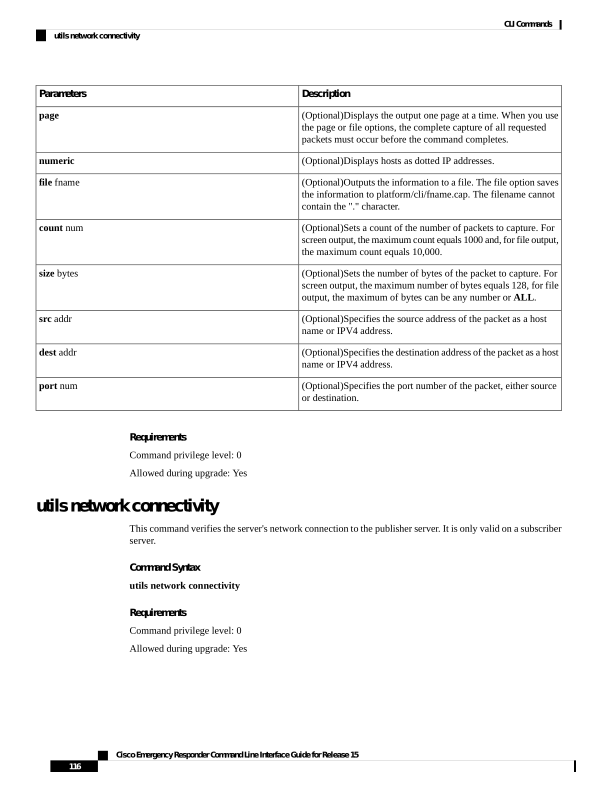
↗ View in doc contextDescription Parameters (Optional)Displays the output one page at a time. When you use the page or file options, the complete capture of all requested packets must occur before the command completes. page (Optional)Displays hosts as dotted IP addresses. numeric (Optional)Outputs the information to a file. The file option saves the information to platform/cli/fname.cap. The filename cannot contain the "." character. file fname (Optional)Sets a count of the number of packets to capture. For screen output, the maximum count equals 1000 and, for file output, the maximum count equals 10,000. count num (Optional)Sets the number of bytes of the packet to capture. For screen output, the maximum number of bytes equals 128, for file output, the maximum of bytes can be any number or ALL. size bytes (Optional)Specifies the source address of the packet as a host name or IPV4 address. src addr (Optional)Specifies the destination address of the packet as a host name or IPV4 address. dest addr (Optional)Specifies the port number of the packet, either source or destination. port num Requirements Command privilege level: 0 Allowed during upgrade: Yes utils network connectivity This command verifies the server's network connection to the publisher server. It is only valid on a subscriber server. Command Syntax utils network connectivity Requirements Command privilege level: 0 Allowed during upgrade: Yes Cisco Emergency Responder Command Line Interface Guide for Release 15 116 CLI Commands utils network connectivity