McDewey
/mcpPage 26
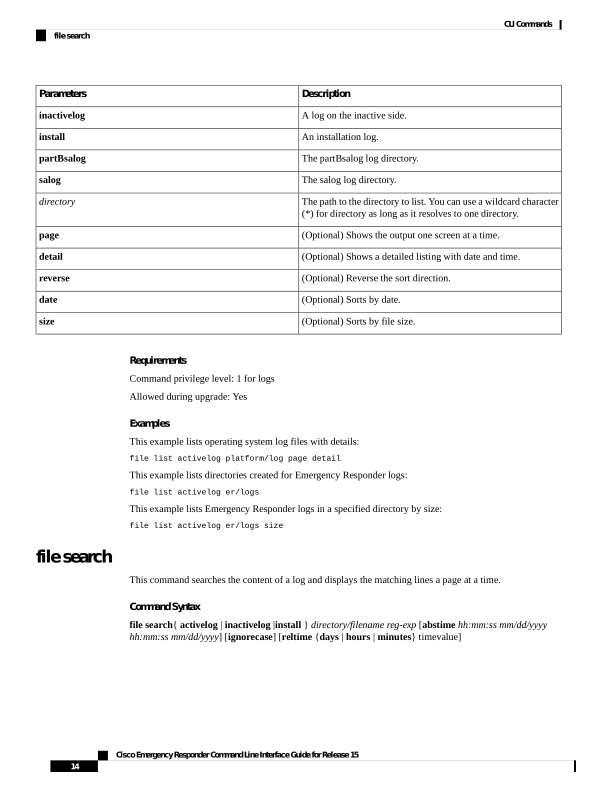
↗ View in doc contextDescription Parameters A log on the inactive side. inactivelog An installation log. install The partBsalog log directory. partBsalog The salog log directory. salog The path to the directory to list. You can use a wildcard character (*) for directory as long as it resolves to one directory. directory (Optional) Shows the output one screen at a time. page (Optional) Shows a detailed listing with date and time. detail (Optional) Reverse the sort direction. reverse (Optional) Sorts by date. date (Optional) Sorts by file size. size Requirements Command privilege level: 1 for logs Allowed during upgrade: Yes Examples This example lists operating system log files with details: file list activelog platform/log page detail This example lists directories created for Emergency Responder logs: file list activelog er/logs This example lists Emergency Responder logs in a specified directory by size: file list activelog er/logs size file search This command searches the content of a log and displays the matching lines a page at a time. Command Syntax file search{ activelog | inactivelog |install } directory/filename reg-exp [abstime hh:mm:ss mm/dd/yyyy hh:mm:ss mm/dd/yyyy] [ignorecase] [reltime {days | hours | minutes} timevalue] Cisco Emergency Responder Command Line Interface Guide for Release 15 14 CLI Commands file search