McDewey
/mcpPage 27
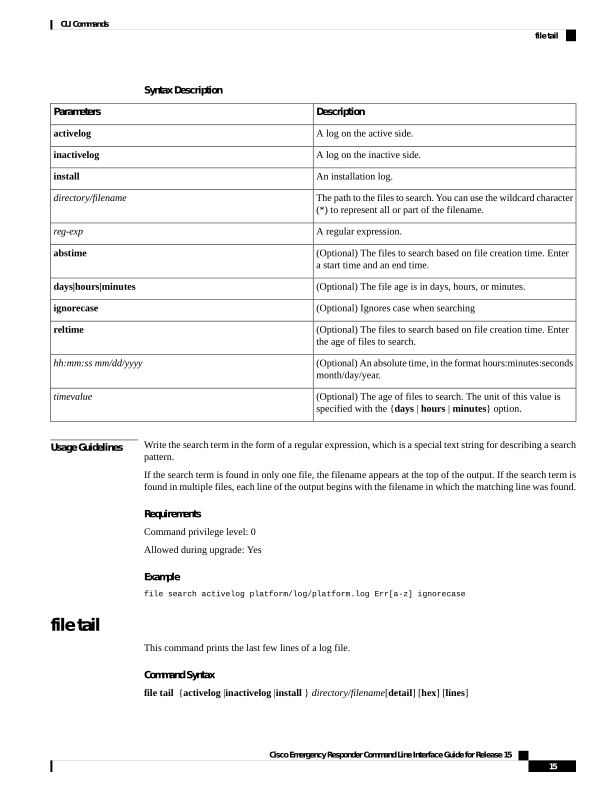
↗ View in doc contextSyntax Description Description Parameters A log on the active side. activelog A log on the inactive side. inactivelog An installation log. install The path to the files to search. You can use the wildcard character (*) to represent all or part of the filename. directory/filename A regular expression. reg-exp (Optional) The files to search based on file creation time. Enter a start time and an end time. abstime (Optional) The file age is in days, hours, or minutes. days|hours|minutes (Optional) Ignores case when searching ignorecase (Optional) The files to search based on file creation time. Enter the age of files to search. reltime (Optional) An absolute time, in the format hours:minutes:seconds month/day/year. hh:mm:ss mm/dd/yyyy (Optional) The age of files to search. The unit of this value is specified with the {days | hours | minutes} option. timevalue Usage Guidelines Write the search term in the form of a regular expression, which is a special text string for describing a search pattern. If the search term is found in only one file, the filename appears at the top of the output. If the search term is found in multiple files, each line of the output begins with the filename in which the matching line was found. Requirements Command privilege level: 0 Allowed during upgrade: Yes Example file search activelog platform/log/platform.log Err[a-z] ignorecase file tail This command prints the last few lines of a log file. Command Syntax file tail {activelog |inactivelog |install } directory/filename[detail] [hex] [lines] Cisco Emergency Responder Command Line Interface Guide for Release 15 15 CLI Commands file tail