McDewey
/mcpPage 43
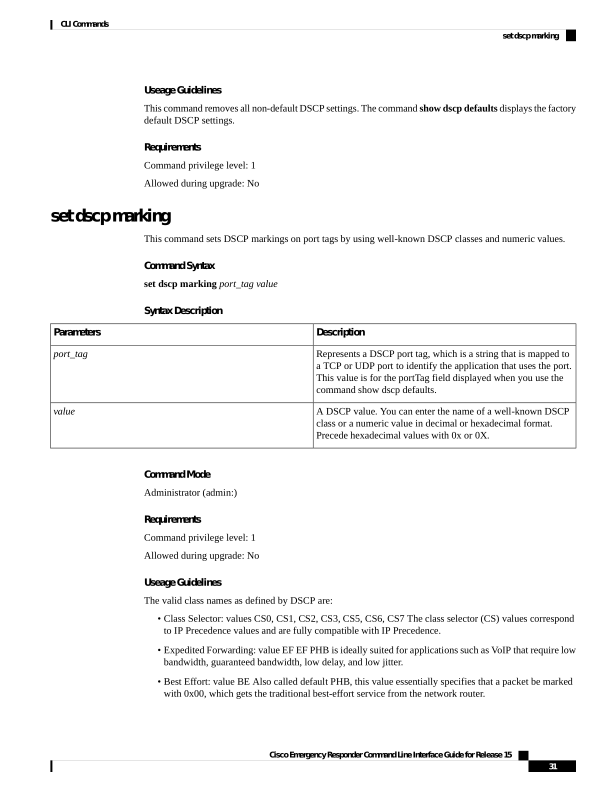
↗ View in doc contextUseage Guidelines This command removes all non-default DSCP settings. The command show dscp defaults displays the factory default DSCP settings. Requirements Command privilege level: 1 Allowed during upgrade: No set dscp marking This command sets DSCP markings on port tags by using well-known DSCP classes and numeric values. Command Syntax set dscp marking port_tag value Syntax Description Description Parameters Represents a DSCP port tag, which is a string that is mapped to a TCP or UDP port to identify the application that uses the port. This value is for the portTag field displayed when you use the command show dscp defaults. port_tag A DSCP value. You can enter the name of a well-known DSCP class or a numeric value in decimal or hexadecimal format. Precede hexadecimal values with 0x or 0X. value Command Mode Administrator (admin:) Requirements Command privilege level: 1 Allowed during upgrade: No Useage Guidelines The valid class names as defined by DSCP are: • Class Selector: values CS0, CS1, CS2, CS3, CS5, CS6, CS7 The class selector (CS) values correspond to IP Precedence values and are fully compatible with IP Precedence. • Expedited Forwarding: value EF EF PHB is ideally suited for applications such as VoIP that require low bandwidth, guaranteed bandwidth, low delay, and low jitter. • Best Effort: value BE Also called default PHB, this value essentially specifies that a packet be marked with 0x00, which gets the traditional best-effort service from the network router. Cisco Emergency Responder Command Line Interface Guide for Release 15 31 CLI Commands set dscp marking