McDewey
/mcpPage 56
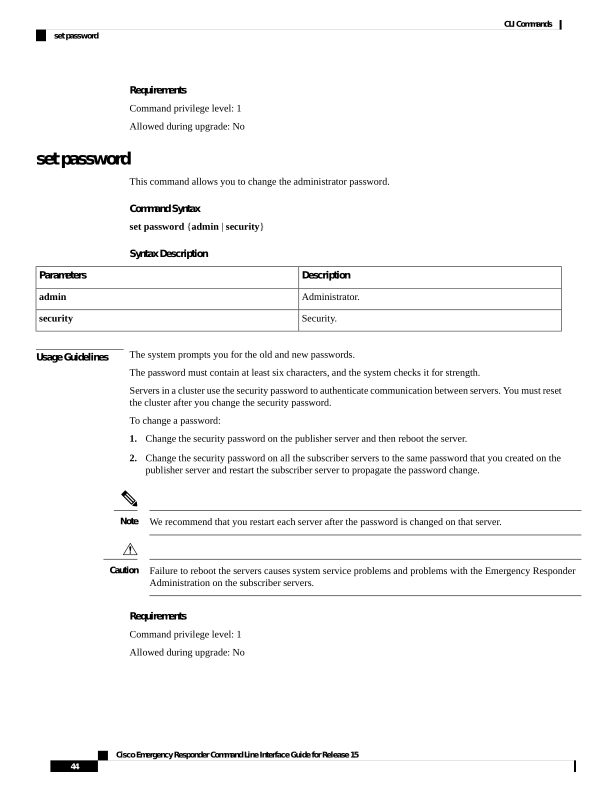
↗ View in doc contextRequirements Command privilege level: 1 Allowed during upgrade: No set password This command allows you to change the administrator password. Command Syntax set password {admin | security} Syntax Description Description Parameters Administrator. admin Security. security Usage Guidelines The system prompts you for the old and new passwords. The password must contain at least six characters, and the system checks it for strength. Servers in a cluster use the security password to authenticate communication between servers. You must reset the cluster after you change the security password. To change a password: 1. Change the security password on the publisher server and then reboot the server. 2. Change the security password on all the subscriber servers to the same password that you created on the publisher server and restart the subscriber server to propagate the password change. We recommend that you restart each server after the password is changed on that server. Note Failure to reboot the servers causes system service problems and problems with the Emergency Responder Administration on the subscriber servers. Caution Requirements Command privilege level: 1 Allowed during upgrade: No Cisco Emergency Responder Command Line Interface Guide for Release 15 44 CLI Commands set password