McDewey
/mcpPage 57
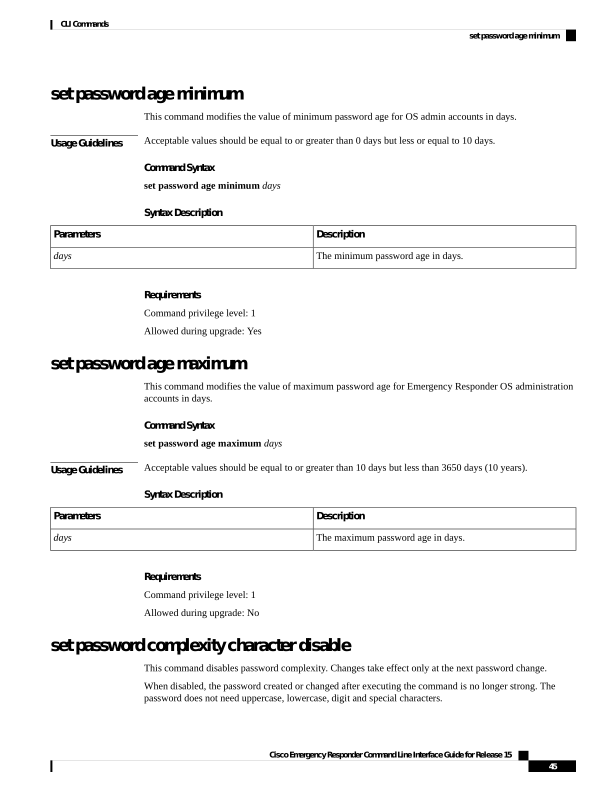
↗ View in doc contextset password age minimum This command modifies the value of minimum password age for OS admin accounts in days. Usage Guidelines Acceptable values should be equal to or greater than 0 days but less or equal to 10 days. Command Syntax set password age minimum days Syntax Description Description Parameters The minimum password age in days. days Requirements Command privilege level: 1 Allowed during upgrade: Yes set password age maximum This command modifies the value of maximum password age for Emergency Responder OS administration accounts in days. Command Syntax set password age maximum days Usage Guidelines Acceptable values should be equal to or greater than 10 days but less than 3650 days (10 years). Syntax Description Description Parameters The maximum password age in days. days Requirements Command privilege level: 1 Allowed during upgrade: No set password complexity character disable This command disables password complexity. Changes take effect only at the next password change. When disabled, the password created or changed after executing the command is no longer strong. The password does not need uppercase, lowercase, digit and special characters. Cisco Emergency Responder Command Line Interface Guide for Release 15 45 CLI Commands set password age minimum