McDewey
/mcpPage 65
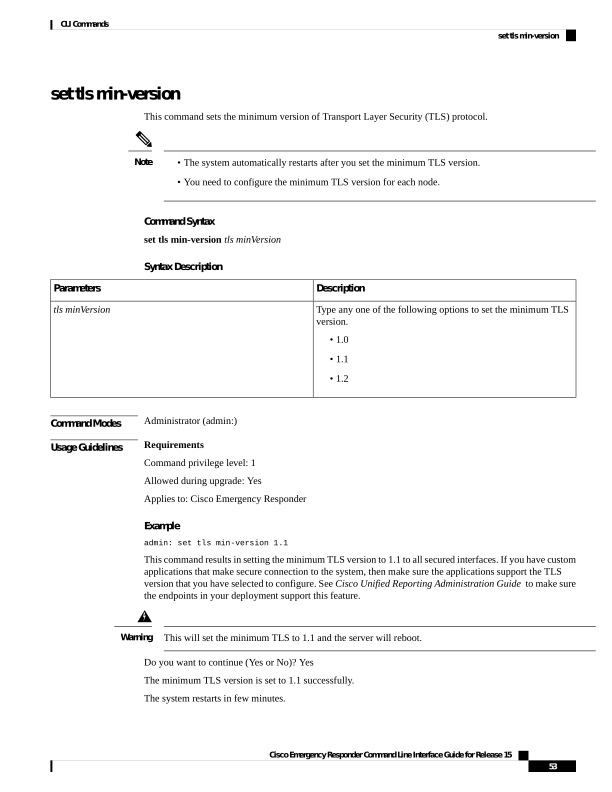
↗ View in doc contextset tls min-version This command sets the minimum version of Transport Layer Security (TLS) protocol. • The system automatically restarts after you set the minimum TLS version. • You need to configure the minimum TLS version for each node. Note Command Syntax set tls min-version tls minVersion Syntax Description Description Parameters Type any one of the following options to set the minimum TLS version. • 1.0 • 1.1 • 1.2 tls minVersion Command Modes Administrator (admin:) Usage Guidelines Requirements Command privilege level: 1 Allowed during upgrade: Yes Applies to: Cisco Emergency Responder Example admin: set tls min-version 1.1 This command results in setting the minimum TLS version to 1.1 to all secured interfaces. If you have custom applications that make secure connection to the system, then make sure the applications support the TLS version that you have selected to configure. See Cisco Unified Reporting Administration Guide to make sure the endpoints in your deployment support this feature. This will set the minimum TLS to 1.1 and the server will reboot. Warning Do you want to continue (Yes or No)? Yes The minimum TLS version is set to 1.1 successfully. The system restarts in few minutes. Cisco Emergency Responder Command Line Interface Guide for Release 15 53 CLI Commands set tls min-version