McDewey
/mcpPage 109
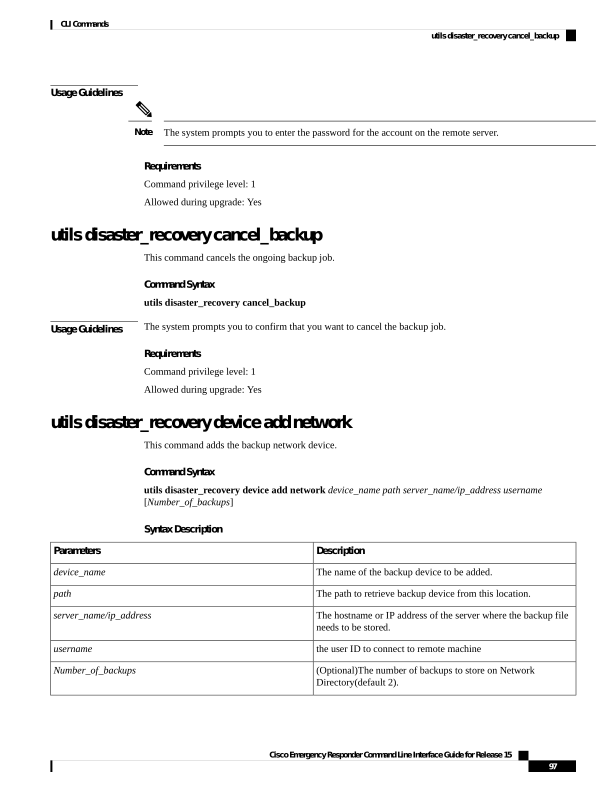
↗ View in doc contextUsage Guidelines The system prompts you to enter the password for the account on the remote server. Note Requirements Command privilege level: 1 Allowed during upgrade: Yes utils disaster_recovery cancel_backup This command cancels the ongoing backup job. Command Syntax utils disaster_recovery cancel_backup Usage Guidelines The system prompts you to confirm that you want to cancel the backup job. Requirements Command privilege level: 1 Allowed during upgrade: Yes utils disaster_recovery device add network This command adds the backup network device. Command Syntax utils disaster_recovery device add network device_name path server_name/ip_address username [Number_of_backups] Syntax Description Description Parameters The name of the backup device to be added. device_name The path to retrieve backup device from this location. path The hostname or IP address of the server where the backup file needs to be stored. server_name/ip_address the user ID to connect to remote machine username (Optional)The number of backups to store on Network Directory(default 2). Number_of_backups Cisco Emergency Responder Command Line Interface Guide for Release 15 97 CLI Commands utils disaster_recovery cancel_backup