McDewey
/mcpPage 110
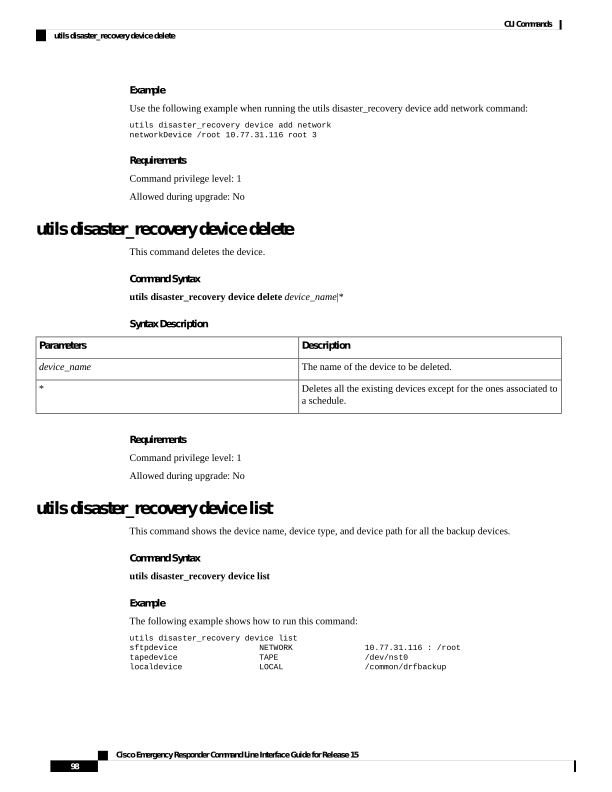
↗ View in doc contextExample Use the following example when running the utils disaster_recovery device add network command: utils disaster_recovery device add network networkDevice /root 10.77.31.116 root 3 Requirements Command privilege level: 1 Allowed during upgrade: No utils disaster_recovery device delete This command deletes the device. Command Syntax utils disaster_recovery device delete device_name|* Syntax Description Description Parameters The name of the device to be deleted. device_name Deletes all the existing devices except for the ones associated to a schedule. * Requirements Command privilege level: 1 Allowed during upgrade: No utils disaster_recovery device list This command shows the device name, device type, and device path for all the backup devices. Command Syntax utils disaster_recovery device list Example The following example shows how to run this command: utils disaster_recovery device list sftpdevice NETWORK 10.77.31.116 : /root tapedevice TAPE /dev/nst0 localdevice LOCAL /common/drfbackup Cisco Emergency Responder Command Line Interface Guide for Release 15 98 CLI Commands utils disaster_recovery device delete