McDewey
/mcpPage 123
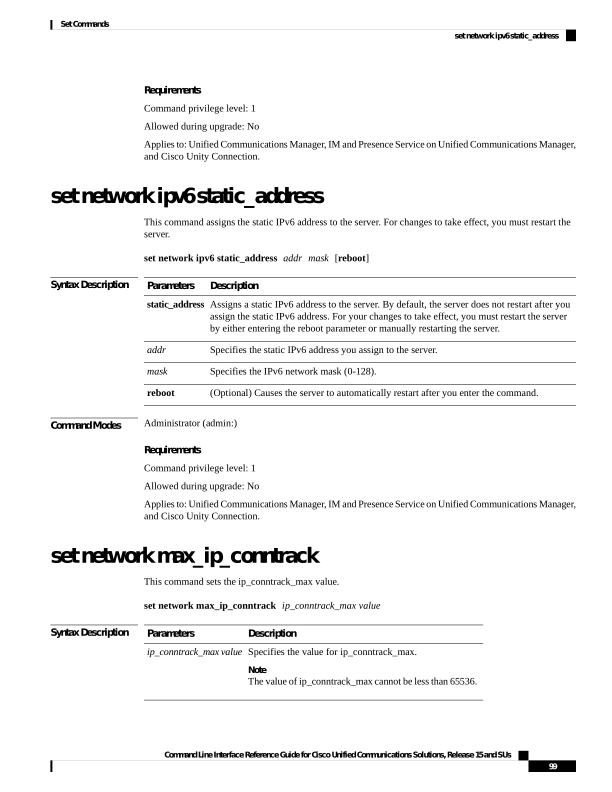
↗ View in doc contextRequirements Command privilege level: 1 Allowed during upgrade: No Applies to: Unified Communications Manager, IM and Presence Service on Unified Communications Manager, and Cisco Unity Connection. set network ipv6 static_address This command assigns the static IPv6 address to the server. For changes to take effect, you must restart the server. set network ipv6 static_address addr mask [reboot] Syntax Description Description Parameters Assigns a static IPv6 address to the server. By default, the server does not restart after you assign the static IPv6 address. For your changes to take effect, you must restart the server by either entering the reboot parameter or manually restarting the server. static_address Specifies the static IPv6 address you assign to the server. addr Specifies the IPv6 network mask (0-128). mask (Optional) Causes the server to automatically restart after you enter the command. reboot Command Modes Administrator (admin:) Requirements Command privilege level: 1 Allowed during upgrade: No Applies to: Unified Communications Manager, IM and Presence Service on Unified Communications Manager, and Cisco Unity Connection. set network max_ip_conntrack This command sets the ip_conntrack_max value. set network max_ip_conntrack ip_conntrack_max value Syntax Description Description Parameters Specifies the value for ip_conntrack_max. Note The value of ip_conntrack_max cannot be less than 65536. ip_conntrack_max value Command Line Interface Reference Guide for Cisco Unified Communications Solutions, Release 15 and SUs 99 Set Commands set network ipv6 static_address