McDewey
/mcpPage 124
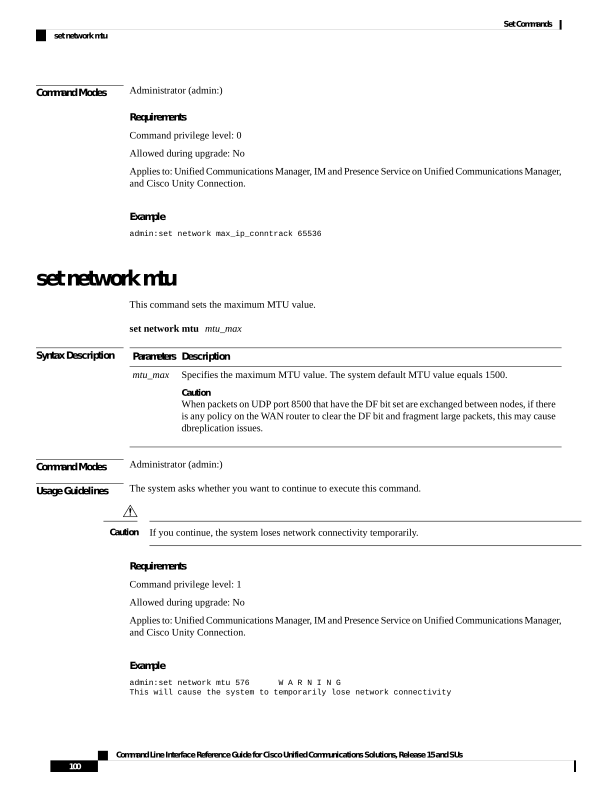
↗ View in doc contextCommand Modes Administrator (admin:) Requirements Command privilege level: 0 Allowed during upgrade: No Applies to: Unified Communications Manager, IM and Presence Service on Unified Communications Manager, and Cisco Unity Connection. Example admin:set network max_ip_conntrack 65536 set network mtu This command sets the maximum MTU value. set network mtu mtu_max Syntax Description Description Parameters Specifies the maximum MTU value. The system default MTU value equals 1500. Caution When packets on UDP port 8500 that have the DF bit set are exchanged between nodes, if there is any policy on the WAN router to clear the DF bit and fragment large packets, this may cause dbreplication issues. mtu_max Command Modes Administrator (admin:) Usage Guidelines The system asks whether you want to continue to execute this command. If you continue, the system loses network connectivity temporarily. Caution Requirements Command privilege level: 1 Allowed during upgrade: No Applies to: Unified Communications Manager, IM and Presence Service on Unified Communications Manager, and Cisco Unity Connection. Example admin:set network mtu 576 W A R N I N G This will cause the system to temporarily lose network connectivity Command Line Interface Reference Guide for Cisco Unified Communications Solutions, Release 15 and SUs 100 Set Commands set network mtu