McDewey
/mcpPage 137
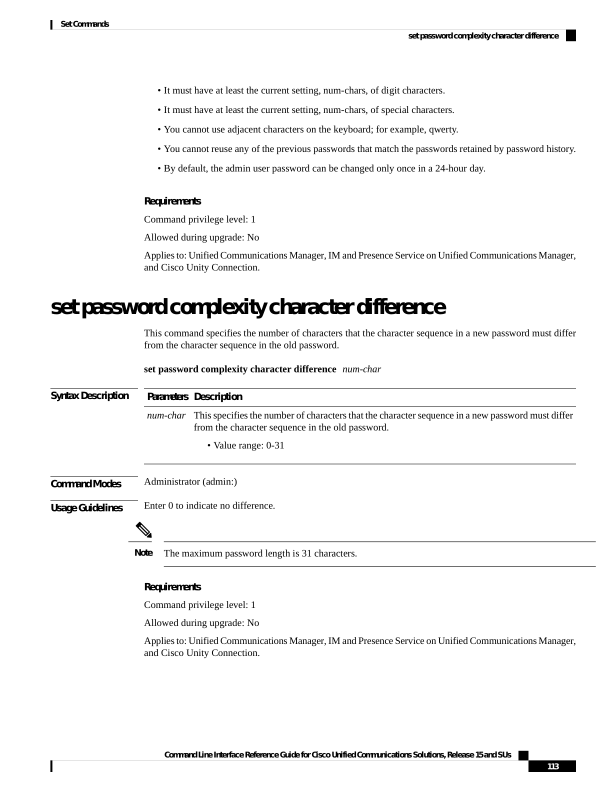
↗ View in doc context• It must have at least the current setting, num-chars, of digit characters. • It must have at least the current setting, num-chars, of special characters. • You cannot use adjacent characters on the keyboard; for example, qwerty. • You cannot reuse any of the previous passwords that match the passwords retained by password history. • By default, the admin user password can be changed only once in a 24-hour day. Requirements Command privilege level: 1 Allowed during upgrade: No Applies to: Unified Communications Manager, IM and Presence Service on Unified Communications Manager, and Cisco Unity Connection. set password complexity character difference This command specifies the number of characters that the character sequence in a new password must differ from the character sequence in the old password. set password complexity character difference num-char Syntax Description Description Parameters This specifies the number of characters that the character sequence in a new password must differ from the character sequence in the old password. • Value range: 0-31 num-char Command Modes Administrator (admin:) Usage Guidelines Enter 0 to indicate no difference. The maximum password length is 31 characters. Note Requirements Command privilege level: 1 Allowed during upgrade: No Applies to: Unified Communications Manager, IM and Presence Service on Unified Communications Manager, and Cisco Unity Connection. Command Line Interface Reference Guide for Cisco Unified Communications Solutions, Release 15 and SUs 113 Set Commands set password complexity character difference