McDewey
/mcpPage 138
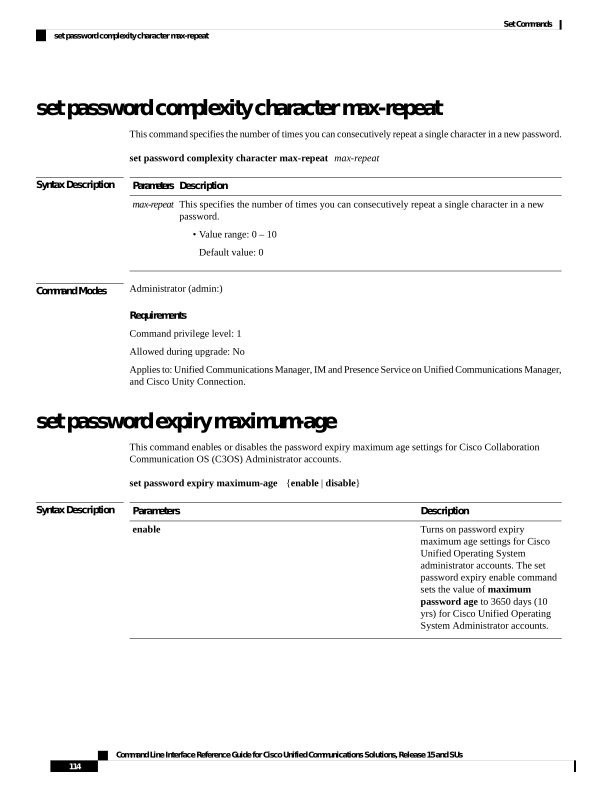
↗ View in doc contextset password complexity character max-repeat This command specifies the number of times you can consecutively repeat a single character in a new password. set password complexity character max-repeat max-repeat Syntax Description Description Parameters This specifies the number of times you can consecutively repeat a single character in a new password. • Value range: 0 – 10 Default value: 0 max-repeat Command Modes Administrator (admin:) Requirements Command privilege level: 1 Allowed during upgrade: No Applies to: Unified Communications Manager, IM and Presence Service on Unified Communications Manager, and Cisco Unity Connection. set password expiry maximum-age This command enables or disables the password expiry maximum age settings for Cisco Collaboration Communication OS (C3OS) Administrator accounts. set password expiry maximum-age {enable | disable} Syntax Description Description Parameters Turns on password expiry maximum age settings for Cisco Unified Operating System administrator accounts. The set password expiry enable command sets the value of maximum password age to 3650 days (10 yrs) for Cisco Unified Operating System Administrator accounts. enable Command Line Interface Reference Guide for Cisco Unified Communications Solutions, Release 15 and SUs 114 Set Commands set password complexity character max-repeat