McDewey
/mcpPage 139
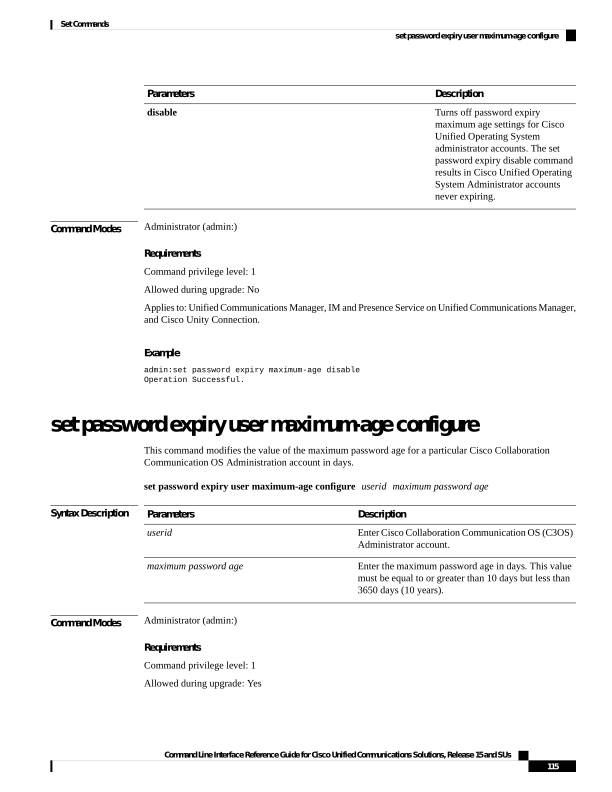
↗ View in doc contextDescription Parameters Turns off password expiry maximum age settings for Cisco Unified Operating System administrator accounts. The set password expiry disable command results in Cisco Unified Operating System Administrator accounts never expiring. disable Command Modes Administrator (admin:) Requirements Command privilege level: 1 Allowed during upgrade: No Applies to: Unified Communications Manager, IM and Presence Service on Unified Communications Manager, and Cisco Unity Connection. Example admin:set password expiry maximum-age disable Operation Successful. set password expiry user maximum-age configure This command modifies the value of the maximum password age for a particular Cisco Collaboration Communication OS Administration account in days. set password expiry user maximum-age configure userid maximum password age Syntax Description Description Parameters Enter Cisco Collaboration Communication OS (C3OS) Administrator account. userid Enter the maximum password age in days. This value must be equal to or greater than 10 days but less than 3650 days (10 years). maximum password age Command Modes Administrator (admin:) Requirements Command privilege level: 1 Allowed during upgrade: Yes Command Line Interface Reference Guide for Cisco Unified Communications Solutions, Release 15 and SUs 115 Set Commands set password expiry user maximum-age configure