McDewey
/mcpPage 43
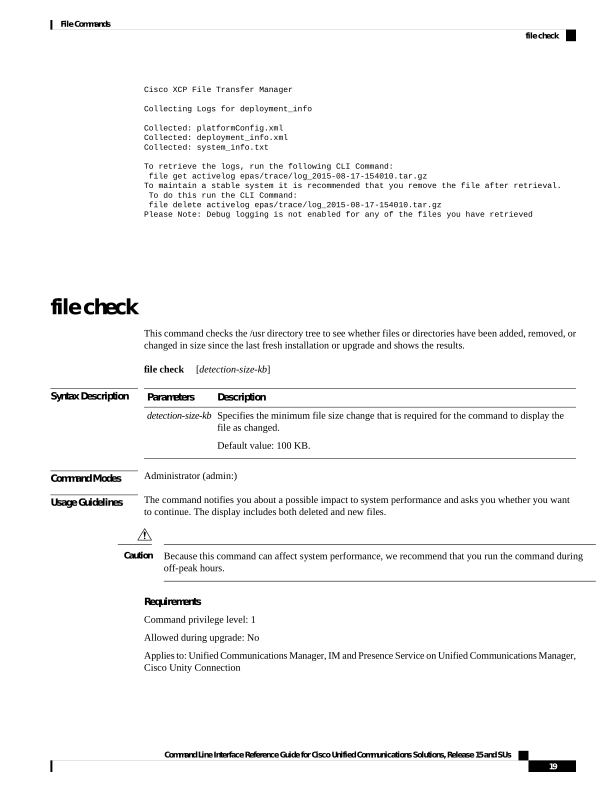
↗ View in doc contextCisco XCP File Transfer Manager Collecting Logs for deployment_info Collected: platformConfig.xml Collected: deployment_info.xml Collected: system_info.txt To retrieve the logs, run the following CLI Command: file get activelog epas/trace/log_2015-08-17-154010.tar.gz To maintain a stable system it is recommended that you remove the file after retrieval. To do this run the CLI Command: file delete activelog epas/trace/log_2015-08-17-154010.tar.gz Please Note: Debug logging is not enabled for any of the files you have retrieved file check This command checks the /usr directory tree to see whether files or directories have been added, removed, or changed in size since the last fresh installation or upgrade and shows the results. file check [detection-size-kb] Syntax Description Description Parameters Specifies the minimum file size change that is required for the command to display the file as changed. Default value: 100 KB. detection-size-kb Command Modes Administrator (admin:) Usage Guidelines The command notifies you about a possible impact to system performance and asks you whether you want to continue. The display includes both deleted and new files. Because this command can affect system performance, we recommend that you run the command during off-peak hours. Caution Requirements Command privilege level: 1 Allowed during upgrade: No Applies to: Unified Communications Manager, IM and Presence Service on Unified Communications Manager, Cisco Unity Connection Command Line Interface Reference Guide for Cisco Unified Communications Solutions, Release 15 and SUs 19 File Commands file check