McDewey
/mcpPage 44
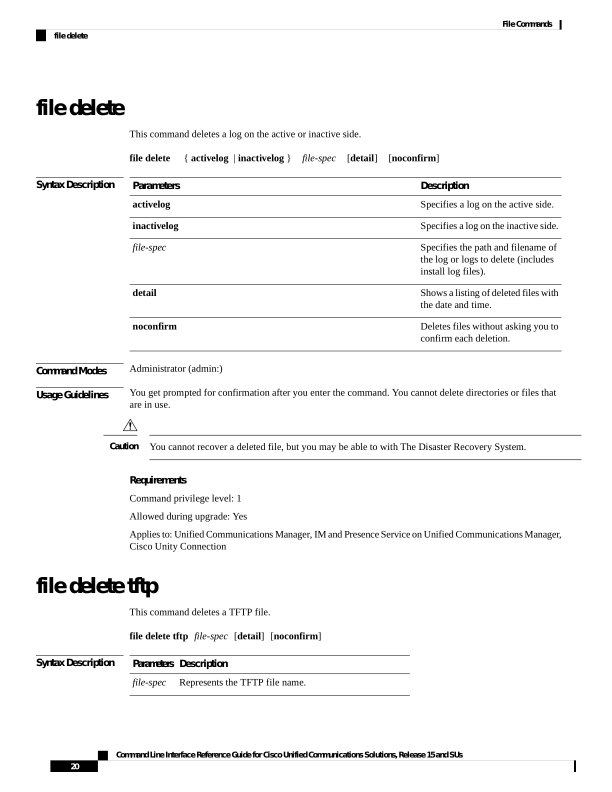
↗ View in doc contextfile delete This command deletes a log on the active or inactive side. file delete { activelog | inactivelog } file-spec [detail] [noconfirm] Syntax Description Description Parameters Specifies a log on the active side. activelog Specifies a log on the inactive side. inactivelog Specifies the path and filename of the log or logs to delete (includes install log files). file-spec Shows a listing of deleted files with the date and time. detail Deletes files without asking you to confirm each deletion. noconfirm Command Modes Administrator (admin:) Usage Guidelines You get prompted for confirmation after you enter the command. You cannot delete directories or files that are in use. You cannot recover a deleted file, but you may be able to with The Disaster Recovery System. Caution Requirements Command privilege level: 1 Allowed during upgrade: Yes Applies to: Unified Communications Manager, IM and Presence Service on Unified Communications Manager, Cisco Unity Connection file delete tftp This command deletes a TFTP file. file delete tftp file-spec [detail] [noconfirm] Syntax Description Description Parameters Represents the TFTP file name. file-spec Command Line Interface Reference Guide for Cisco Unified Communications Solutions, Release 15 and SUs 20 File Commands file delete