McDewey
/mcpPage 45
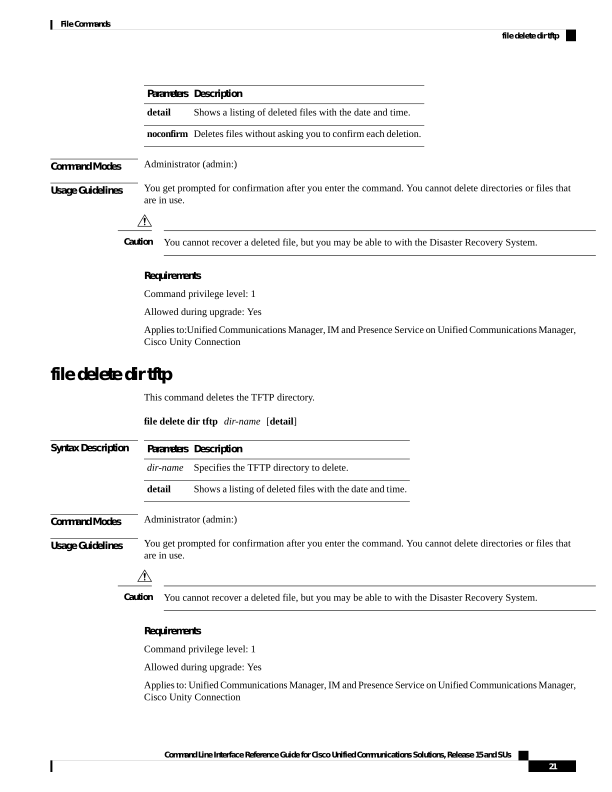
↗ View in doc contextDescription Parameters Shows a listing of deleted files with the date and time. detail Deletes files without asking you to confirm each deletion. noconfirm Command Modes Administrator (admin:) Usage Guidelines You get prompted for confirmation after you enter the command. You cannot delete directories or files that are in use. You cannot recover a deleted file, but you may be able to with the Disaster Recovery System. Caution Requirements Command privilege level: 1 Allowed during upgrade: Yes Applies to:Unified Communications Manager, IM and Presence Service on Unified Communications Manager, Cisco Unity Connection file delete dir tftp This command deletes the TFTP directory. file delete dir tftp dir-name [detail] Syntax Description Description Parameters Specifies the TFTP directory to delete. dir-name Shows a listing of deleted files with the date and time. detail Command Modes Administrator (admin:) Usage Guidelines You get prompted for confirmation after you enter the command. You cannot delete directories or files that are in use. You cannot recover a deleted file, but you may be able to with the Disaster Recovery System. Caution Requirements Command privilege level: 1 Allowed during upgrade: Yes Applies to: Unified Communications Manager, IM and Presence Service on Unified Communications Manager, Cisco Unity Connection Command Line Interface Reference Guide for Cisco Unified Communications Solutions, Release 15 and SUs 21 File Commands file delete dir tftp