McDewey
/mcpPage 220
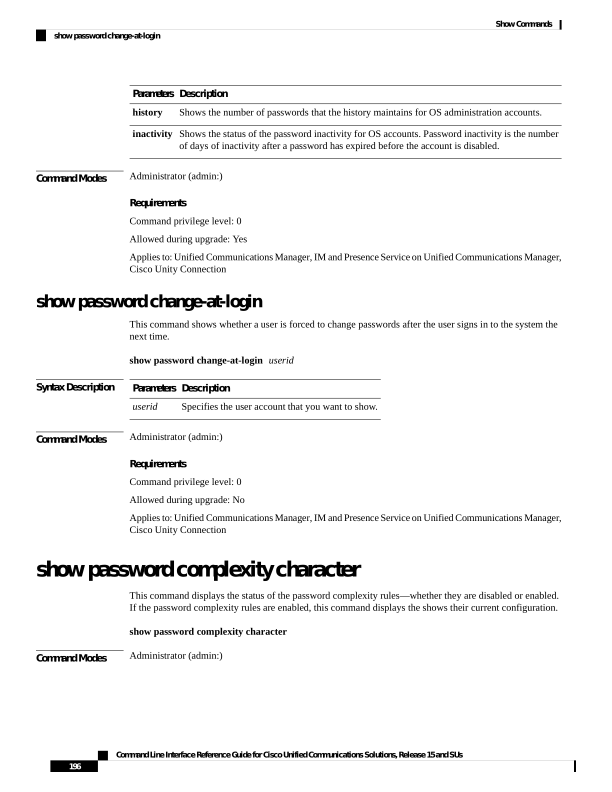
↗ View in doc contextDescription Parameters Shows the number of passwords that the history maintains for OS administration accounts. history Shows the status of the password inactivity for OS accounts. Password inactivity is the number of days of inactivity after a password has expired before the account is disabled. inactivity Command Modes Administrator (admin:) Requirements Command privilege level: 0 Allowed during upgrade: Yes Applies to: Unified Communications Manager, IM and Presence Service on Unified Communications Manager, Cisco Unity Connection show password change-at-login This command shows whether a user is forced to change passwords after the user signs in to the system the next time. show password change-at-login userid Syntax Description Description Parameters Specifies the user account that you want to show. userid Command Modes Administrator (admin:) Requirements Command privilege level: 0 Allowed during upgrade: No Applies to: Unified Communications Manager, IM and Presence Service on Unified Communications Manager, Cisco Unity Connection show password complexity character This command displays the status of the password complexity rules—whether they are disabled or enabled. If the password complexity rules are enabled, this command displays the shows their current configuration. show password complexity character Command Modes Administrator (admin:) Command Line Interface Reference Guide for Cisco Unified Communications Solutions, Release 15 and SUs 196 Show Commands show password change-at-login