McDewey
/mcpPage 221
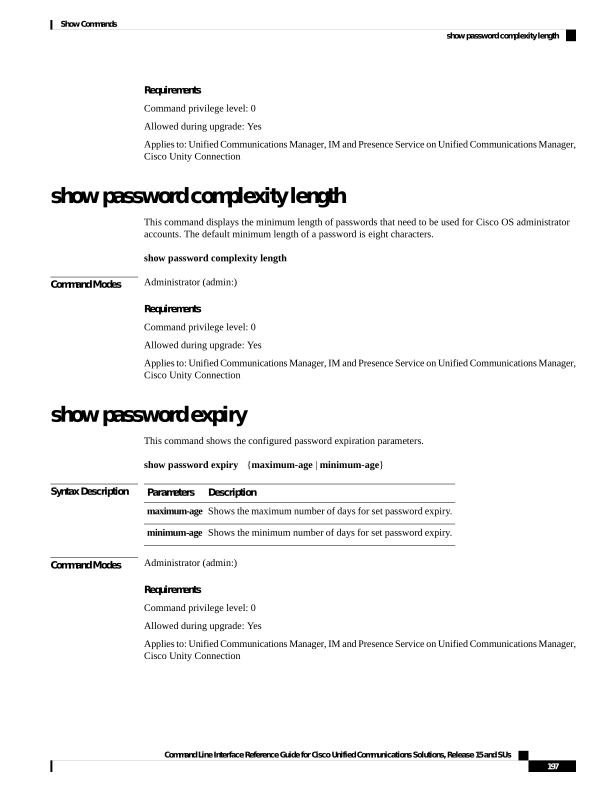
↗ View in doc contextRequirements Command privilege level: 0 Allowed during upgrade: Yes Applies to: Unified Communications Manager, IM and Presence Service on Unified Communications Manager, Cisco Unity Connection show password complexity length This command displays the minimum length of passwords that need to be used for Cisco OS administrator accounts. The default minimum length of a password is eight characters. show password complexity length Command Modes Administrator (admin:) Requirements Command privilege level: 0 Allowed during upgrade: Yes Applies to: Unified Communications Manager, IM and Presence Service on Unified Communications Manager, Cisco Unity Connection show password expiry This command shows the configured password expiration parameters. show password expiry {maximum-age | minimum-age} Syntax Description Description Parameters Shows the maximum number of days for set password expiry. maximum-age Shows the minimum number of days for set password expiry. minimum-age Command Modes Administrator (admin:) Requirements Command privilege level: 0 Allowed during upgrade: Yes Applies to: Unified Communications Manager, IM and Presence Service on Unified Communications Manager, Cisco Unity Connection Command Line Interface Reference Guide for Cisco Unified Communications Solutions, Release 15 and SUs 197 Show Commands show password complexity length